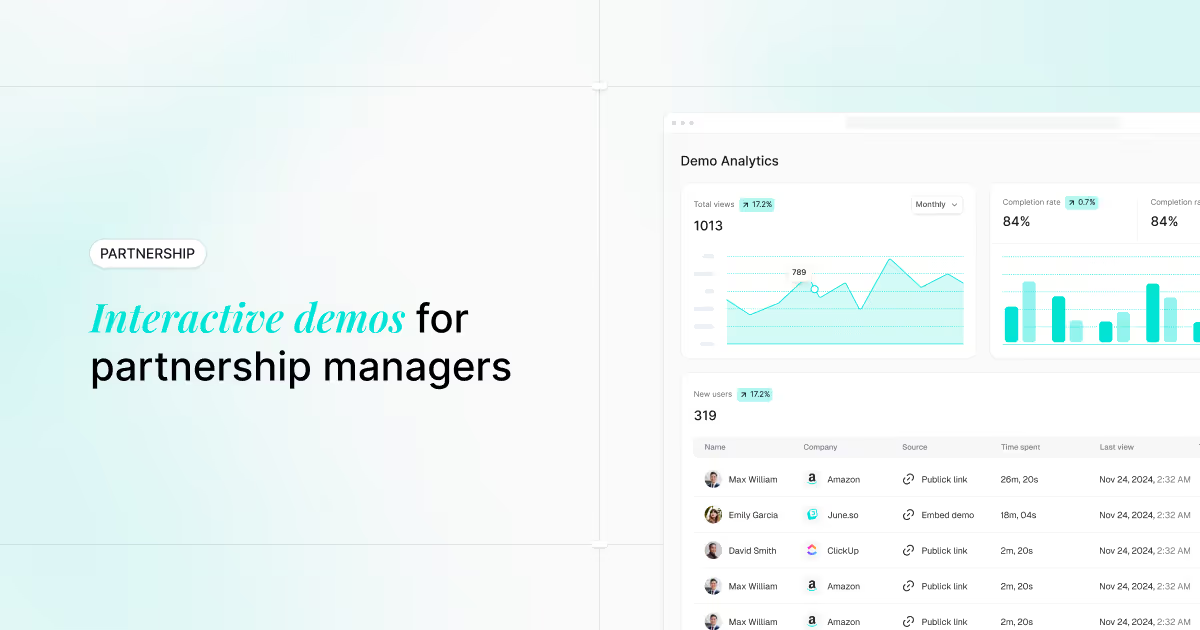

Marketing analytics tools collect and analyze data from your campaigns, channels, and customer touchpoints to show what's working and what's wasting budget. Without them, you're pulling reports from five different platforms and guessing which efforts actually drive revenue.
This guide covers 15 platforms across web analytics, SEO tracking, cross-channel attribution, and engagement analytics, with honest evaluations of where each one fits.
What are marketing analytics tools
Marketing analytics tools collect, process, and analyze data from your marketing channels. Google Analytics 4 handles web traffic. Semrush covers SEO and competitor research. HubSpot connects campaign data to your CRM. Together, platforms like these help you track campaign performance, measure ROI, and figure out where to spend your budget.
The core problem they solve is visibility. An ANA survey found 88% of marketers find data integration across platforms challenging - without a centralized view, you're pulling reports from five different platforms, copying numbers into spreadsheets, and guessing which channels actually drive results.
Data collection: Pulls metrics from websites, ads, social, email, and CRM automatically
Performance tracking: Shows campaign results in real time so you can adjust mid-flight
ROI measurement: Connects marketing spend to revenue with attribution models
Visualization: Turns raw data into dashboards your team will actually use
What's inside
This guide covers 15 marketing analytics platforms organized by category and use case. Selection criteria included integration capabilities, ease of use, pricing transparency, and G2 ratings. You'll find options for web analytics, SEO tracking, cross-channel attribution, and user behavior analysis.
TL;DR
Web and user analytics: GA4 remains the baseline; Mixpanel and Heap excel at product behavior
SEO and competitive intelligence: Semrush leads for keyword research and competitor analysis
Cross-channel attribution: Funnel and Improvado aggregate data from hundreds of sources
Engagement analytics: Guideflow tracks how prospects interact with interactive product content, surfacing intent signals traditional tools miss
Selection criteria: Match tool category to your primary use case, then evaluate integrations and total cost
The 4 types of marketing analytics
Marketing analytics software typically supports four distinct analysis types.
Descriptive analytics
Descriptive analytics answers "what happened." Traffic reports, campaign summaries, conversion counts, and engagement metrics fall here. Most dashboards start with descriptive data.
Diagnostic analytics
Diagnostic analytics answers "why it happened." Drop-off analysis, A/B test results, and channel attribution help identify what's working and what's broken.
Predictive analytics
Predictive analytics uses historical data to forecast future outcomes. Lead scoring models, churn prediction, and budget forecasting rely on this approach. Tools with machine learning capabilities often excel here.
Prescriptive analytics
Prescriptive analytics recommends specific actions. AI-powered optimization suggestions and next-best-action recommendations tell you what to do next, not just what happened.
Why marketing analytics platforms matter
Unified cross-channel visibility
Marketing analysis tools consolidate data from disparate sources into one dashboard. Instead of manually pulling reports from ad platforms, email tools, and CRM, you get a single view of performance across channels.
Data-driven budget allocation
When you can see which channels drive results, you can allocate budget more effectively. With budgets flat at 7.7% of revenue according to Gartner, marketing tracking tools help identify high-performing campaigns and cut spend on underperformers before the quarter ends.
Faster campaign optimization
Real-time tracking allows teams to adjust campaigns mid-flight rather than waiting for end-of-quarter reports to discover a landing page isn't converting.
Clear revenue attribution
Connecting marketing activities to pipeline and revenue is the top challenge for 64% of marketing leaders according to The CMO Survey. Analytics platforms with attribution modeling show which campaigns contributed to closed deals.
Marketing analytics tools comparison table
# | Product | Best for | Key differentiation | Pricing | G2 rating |
|---|---|---|---|---|---|
1 | Guideflow | Engagement analytics | Tracks interactive demo interactions and buyer intent | Free + $40/mo | 5.0/5 |
2 | Google Analytics | Web traffic analysis | Event-based tracking with ML predictions | Free | 4.5/5 |
3 | HubSpot Marketing Hub | CRM-connected campaigns | Full-funnel visibility with native CRM | $800/mo+ | 4.4/5 |
4 | Semrush | SEO and competitive intel | Comprehensive keyword and competitor research | $139/mo+ | 4.5/5 |
5 | Improvado | Enterprise data aggregation | 500+ marketing data source connectors | Custom | 4.5/5 |
6 | Mixpanel | Product analytics | Event-based user behavior tracking | Free + $28/mo | 4.6/5 |
7 | Amplitude | Behavioral analytics | Customer journey visualization | Free + custom | 4.5/5 |
8 | Heap | Auto-capture analytics | Retroactive analysis without manual tagging | Custom | 4.4/5 |
9 | Funnel | Marketing data hub | Automated data normalization for BI tools | $1/mo per connector | 4.5/5 |
10 | Supermetrics | Data pipelines | Direct integrations with spreadsheets and BI | $29/mo+ | 4.3/5 |
11 | Tableau | Enterprise visualization | Advanced dashboarding for complex datasets | $75/user/mo | 4.4/5 |
12 | Domo | Cloud BI | Real-time dashboards with collaboration | Custom | 4.4/5 |
13 | Hotjar | User behavior | Heatmaps and session recordings | Free + $39/mo | 4.3/5 |
14 | Salesforce Marketing Cloud Intelligence | Enterprise attribution | AI-powered cross-channel measurement | Custom | 4.2/5 |
15 | Adobe Analytics | Enterprise digital analytics | Advanced segmentation and attribution | Custom | 4.1/5 |
Top 15 marketing analytics software
1. Guideflow
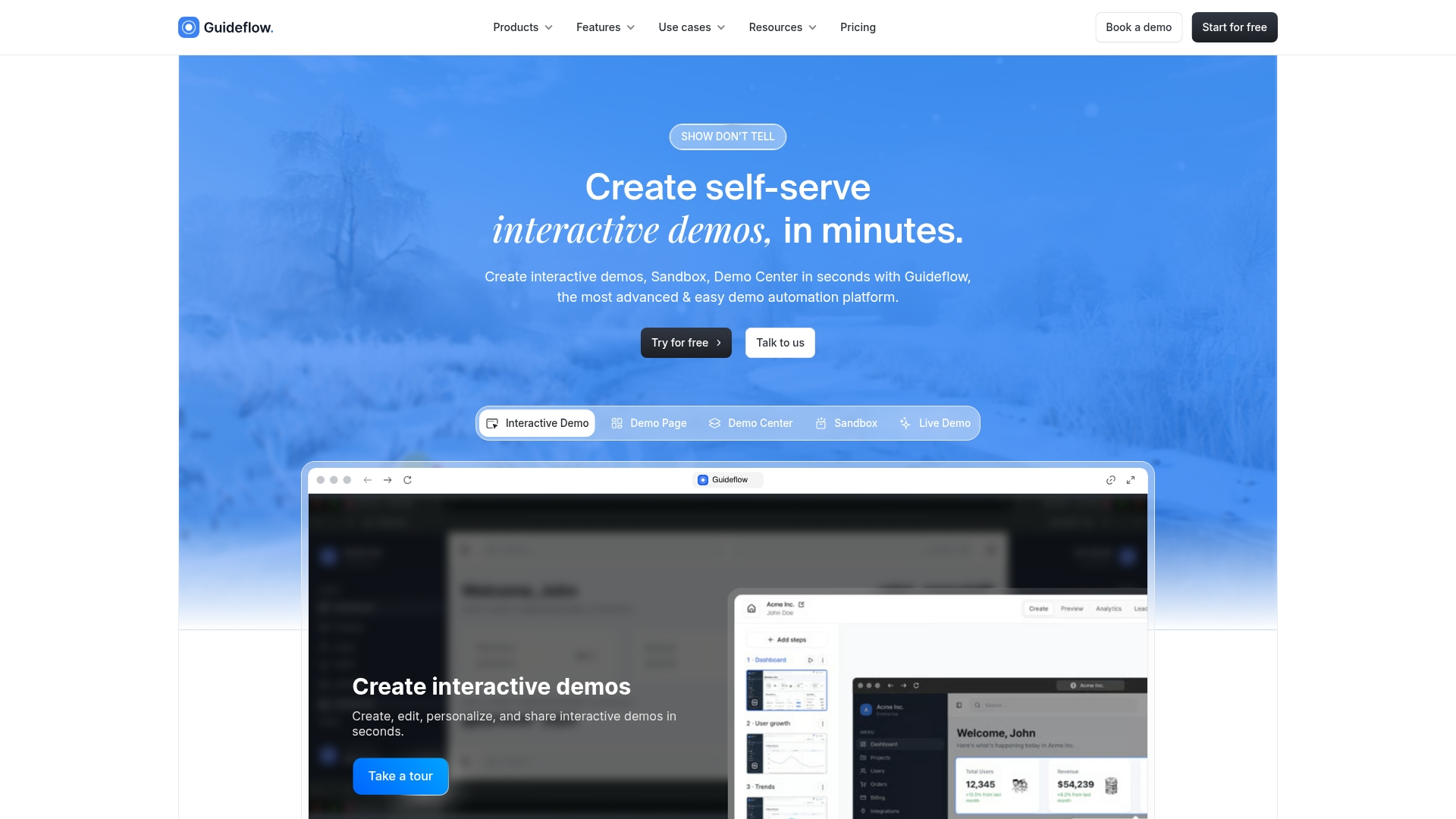
Guideflow provides engagement analytics for interactive demos, tracking how prospects actually interact with your product content. Traditional analytics tools tell you someone visited a page. Guideflow shows which features they explored, how long they spent on each section, and where they dropped off.
Page views and form fills don't reveal whether prospects understood your value proposition. Guideflow surfaces intent signals based on actual product engagement, helping marketing teams prioritize follow-up and optimize demo content.
Best for: Product marketing, growth, and pre-sales teams using product-led distribution who want visibility into how prospects engage with interactive content.
Key strengths
Real-time engagement tracking for interactive product demos with session-level detail
Lead scoring based on demo interaction depth and completion rates
CRM and Slack integrations for instant alerts when high-intent prospects engage
Analytics showing exactly where prospects engage or drop off
Pricing: Free plan includes 5 guideflows. Solo plan starts at $40/month. Growth, Advanced, and Enterprise tiers scale from $499 to $2,999+/month.
Start your journey with Guideflow today!
2. Google Analytics
Google Analytics 4 is the standard for web and user analytics, offering event-based tracking that captures granular user behavior across websites and apps. The platform provides predictive metrics powered by machine learning, including purchase probability and churn likelihood.
Best for: Any marketing team that wants comprehensive web traffic analysis and integration with the Google Ads ecosystem.
Key strengths
Event-based tracking model for detailed user behavior analysis
Free comprehensive solution covering most web analytics use cases
Native integration with Google Ads, Search Console, and BigQuery
Predictive metrics and audience building powered by machine learning
Pricing: Free for standard features. Google Analytics 360 for enterprise starts at approximately $50,000/year.
3. HubSpot Marketing Hub
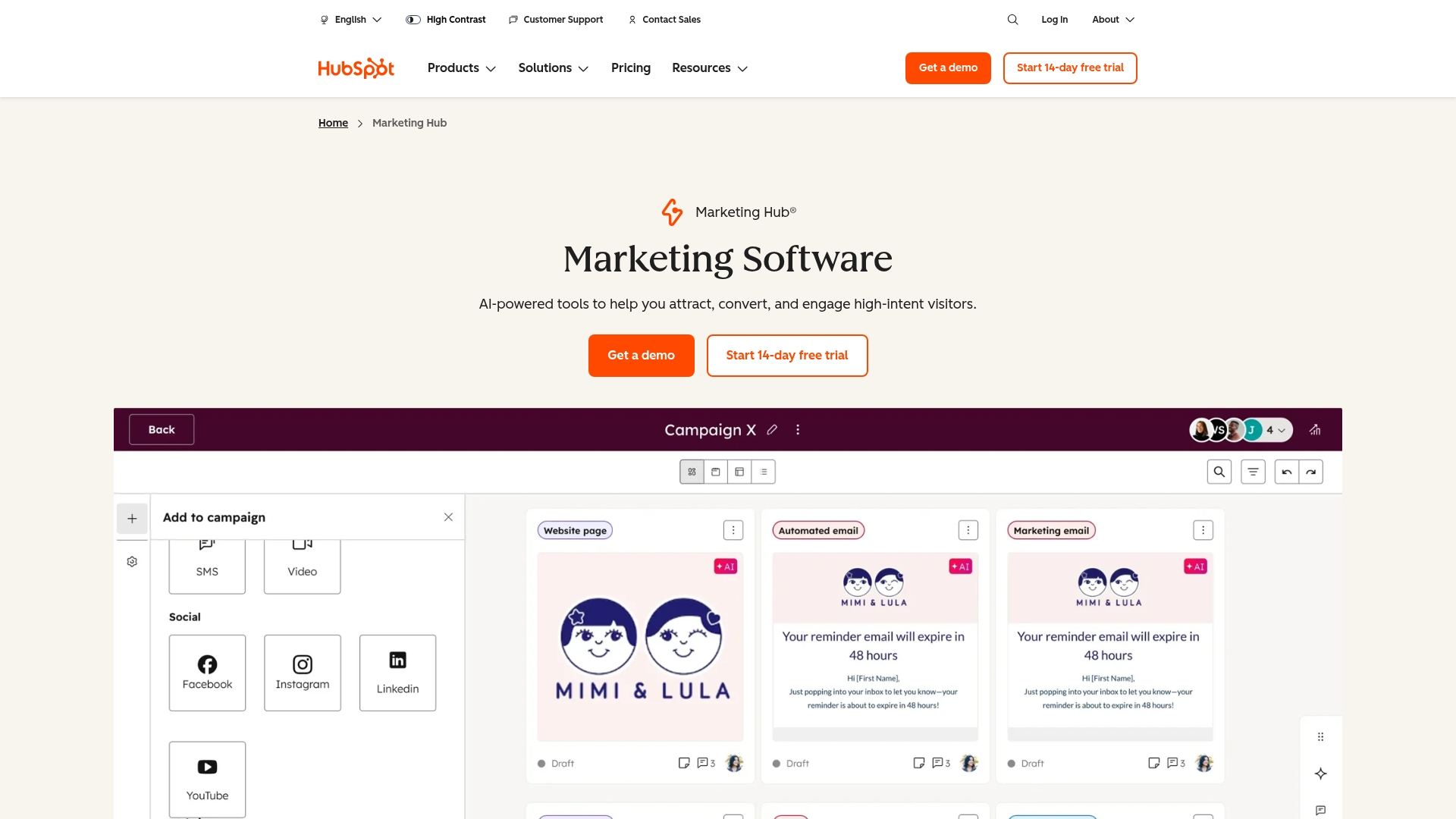
HubSpot Marketing Hub connects campaign analytics directly to CRM contact records, giving you full-funnel visibility from first touch to closed deal. The platform includes email, landing page, and campaign analytics with built-in attribution reporting.
Best for: B2B or B2C marketing teams who want marketing automation and analytics in one platform with native CRM integration.
Key strengths
Full-funnel visibility connecting marketing activities to revenue outcomes
Built-in multi-touch attribution reporting across channels
Native CRM integration eliminates data silos between marketing and sales
Campaign analytics tied directly to pipeline and deal progression
Pricing: Marketing Hub Professional starts at $800/month.
4. Semrush
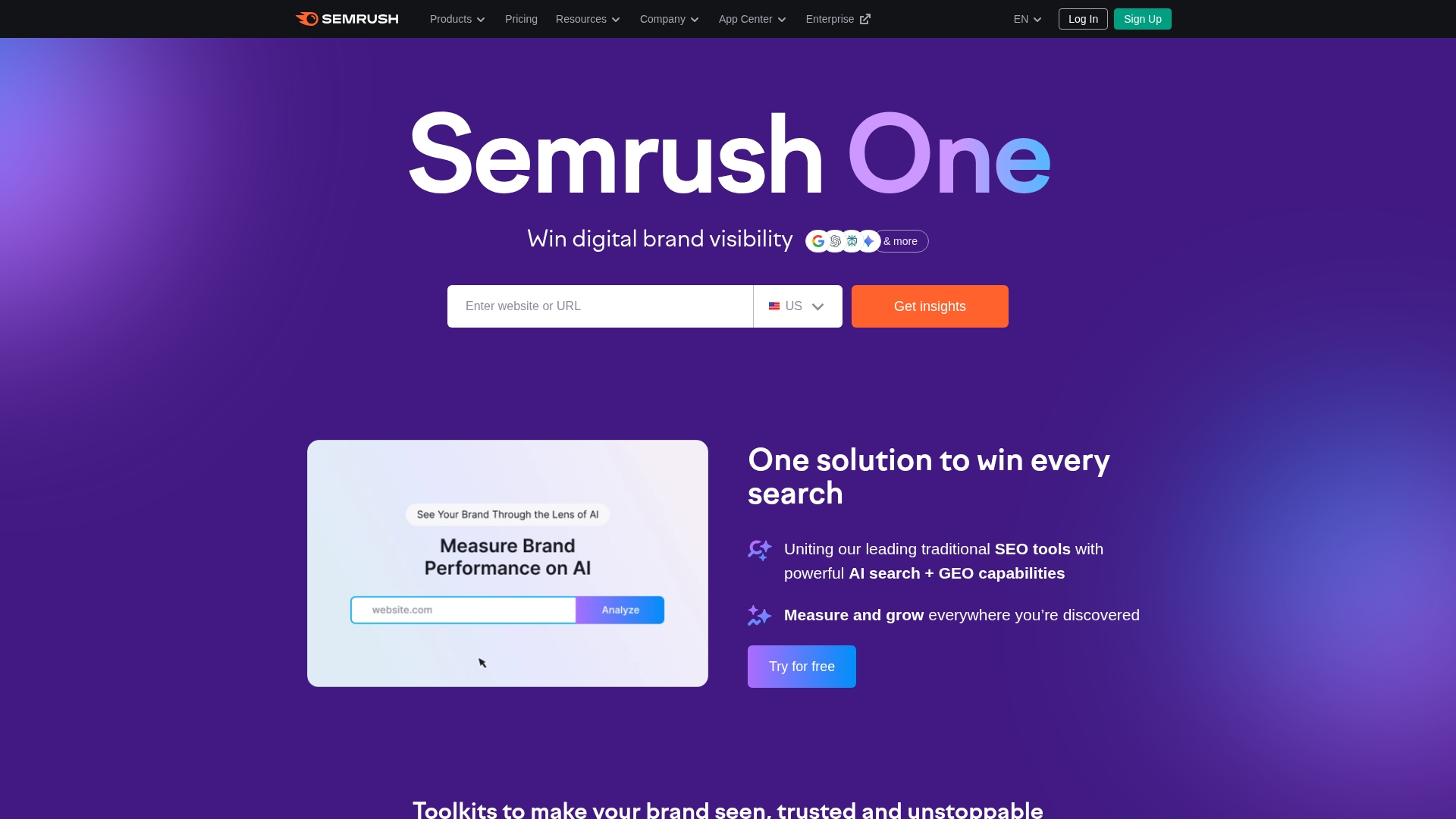
Semrush leads the market for SEO and competitive intelligence, offering comprehensive keyword tracking, competitor research, and content gap analysis. The platform also covers advertising research across paid channels.
Best for: Marketing teams focused on organic search performance and competitive positioning.
Key strengths
Comprehensive keyword ranking and search visibility analytics
Competitor traffic estimation and backlink analysis
Content performance tracking with optimization recommendations
Advertising research showing competitor paid strategies
Pricing: Pro plan starts at $139/month. Guru at $249/month and Business at $499/month.
5. Improvado
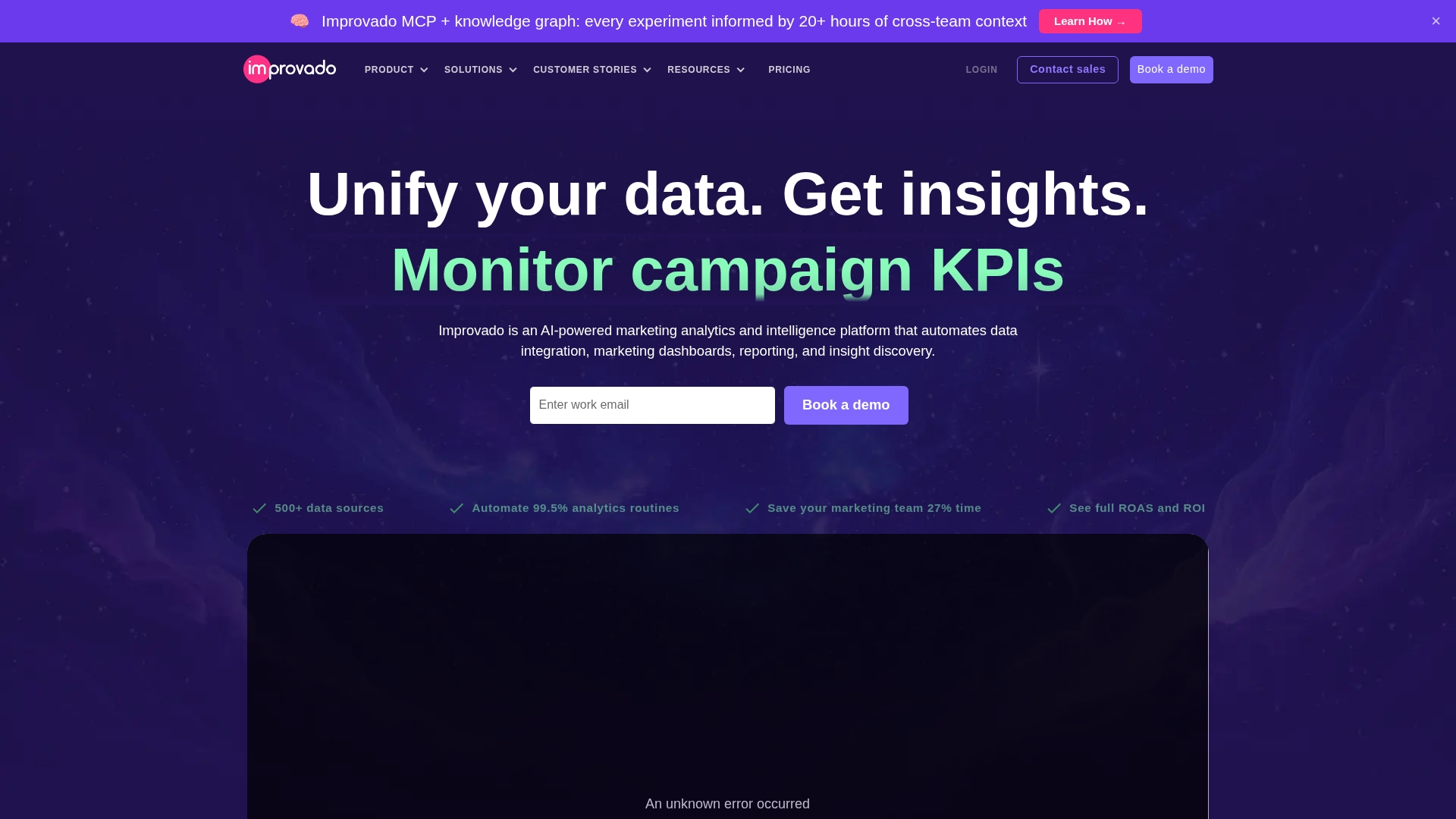
Improvado is an enterprise marketing data aggregation platform that centralizes data from over 500 sources for unified reporting. The platform handles automated data transformation and normalization without requiring SQL knowledge.
Best for: Enterprise marketing teams with complex, multi-channel campaigns that want centralized data management.
Key strengths
Connects to 500+ marketing data sources including ads, CRM, and analytics platforms
Automated data transformation and normalization for consistent reporting
Enterprise-grade security and compliance certifications
Custom dashboard building without technical expertise
Pricing: Custom pricing based on data volume and connectors.
6. Mixpanel
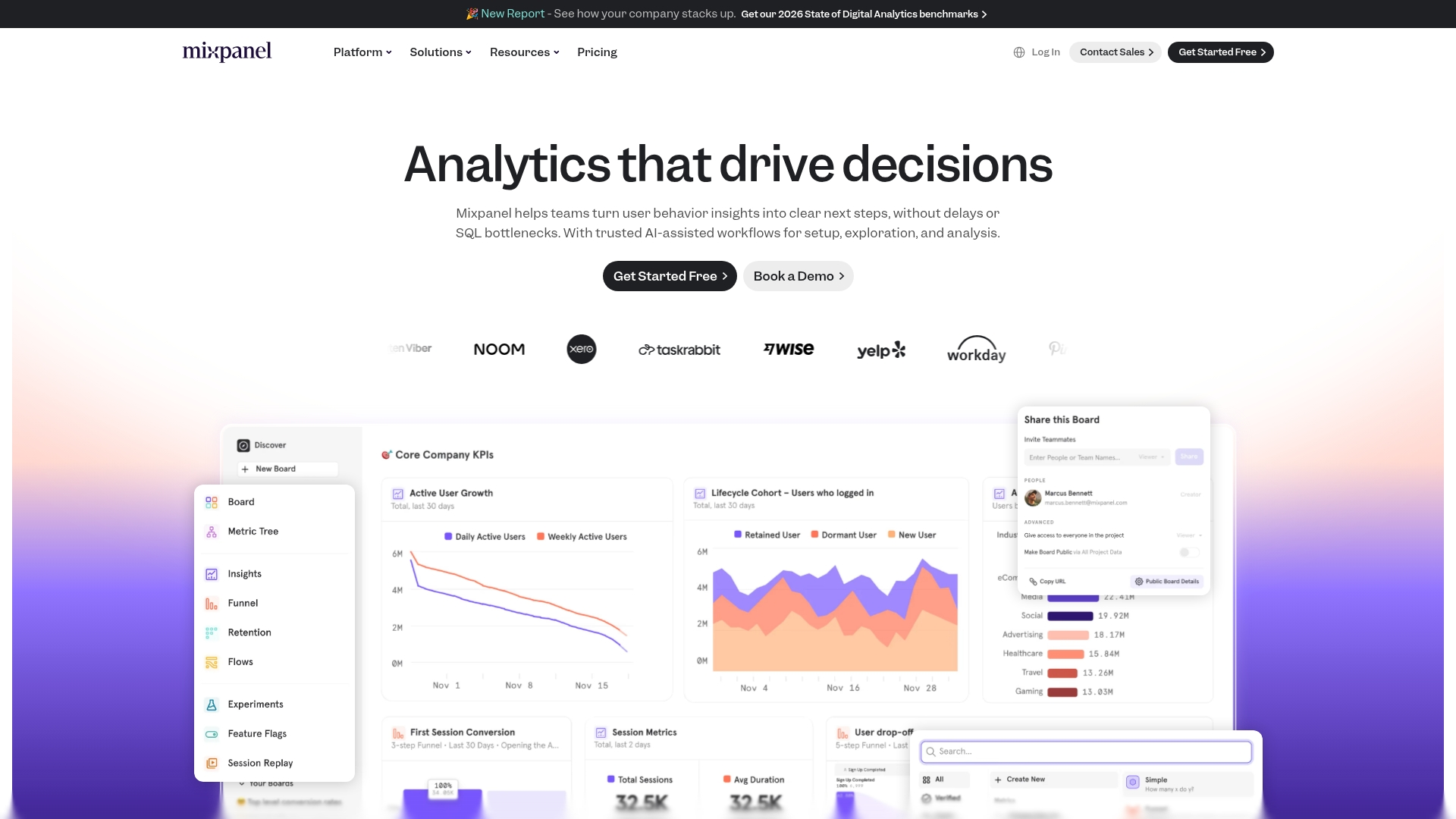
Mixpanel focuses on product and user analytics with event-based behavioral tracking. The platform excels at funnel analysis, retention reporting, and user segmentation without requiring engineering support for basic queries.
Best for: Product-led growth teams that want to understand user behavior within their application.
Key strengths
Event-based user behavior tracking with flexible querying
Funnel and retention analysis to identify drop-off points
User segmentation and cohort comparison for targeted insights
Self-serve analytics interface accessible to non-technical users
Pricing: Free plan for up to 20M events/month. Growth plan starts at $28/month.
7. Amplitude
Amplitude provides behavioral analytics for product-led growth teams, combining user journey visualization with built-in experimentation capabilities.
Best for: Digital product organizations focused on user engagement, retention, and experimentation.
Key strengths
Behavioral cohort analysis to identify patterns in user segments
Built-in experimentation platform for A/B testing
Customer journey visualization across touchpoints
Predictive analytics for user outcomes like conversion and churn
Pricing: Free Starter plan available. Growth and Enterprise tiers are custom priced.
8. Heap
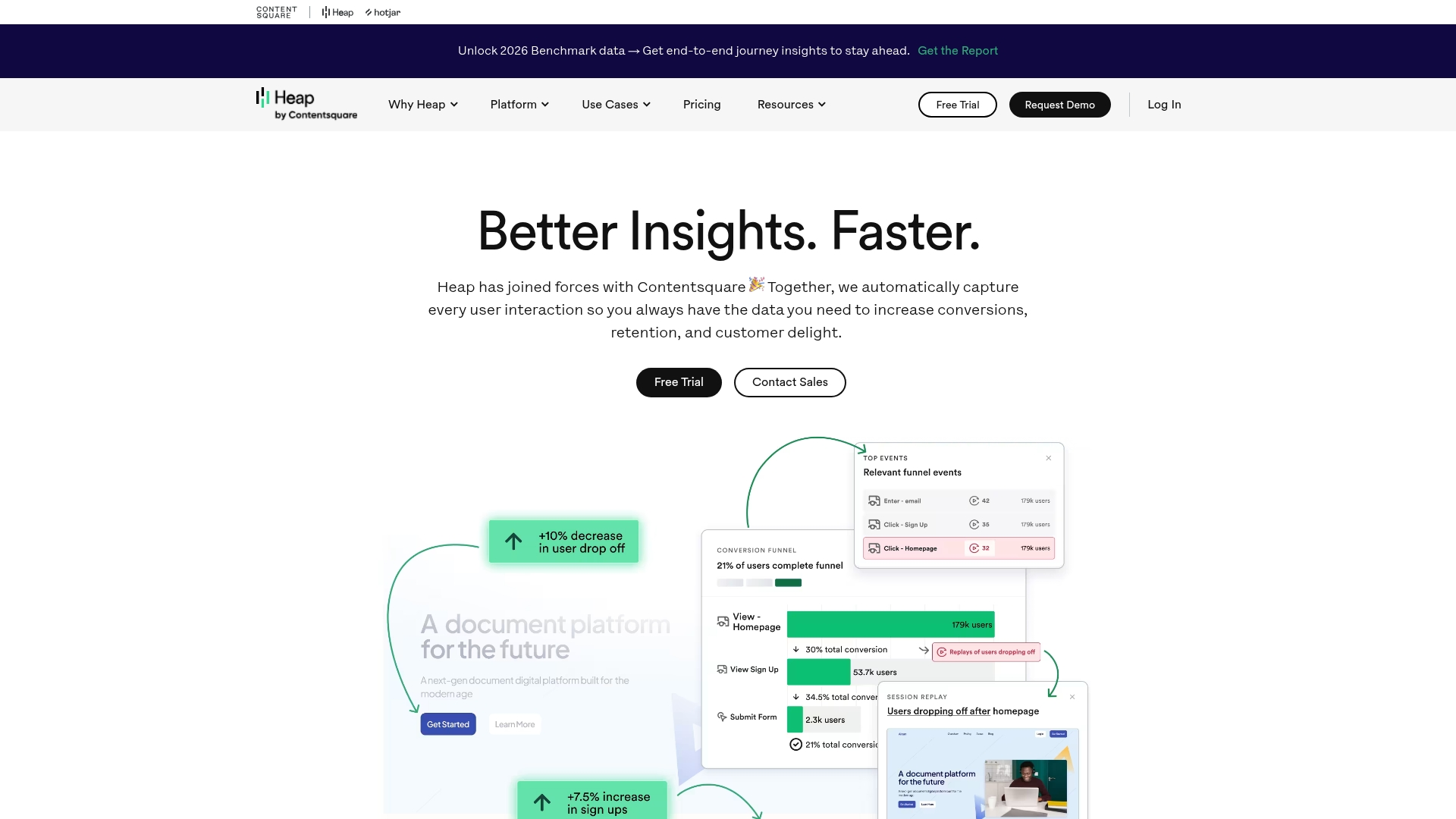
Heap takes an auto-capture approach, tracking all user interactions without manual event tagging. You can analyze historical behavior retroactively, even for events you didn't think to track initially.
Best for: Teams wanting comprehensive behavioral data without the overhead of manual instrumentation.
Key strengths
Automatic event capture requires no manual tagging or engineering work
Retroactive analysis of historical user behavior for new questions
Session replay for qualitative insights alongside quantitative data
Conversion funnel optimization with automatic path analysis
Pricing: Custom pricing based on session volume.
9. Funnel
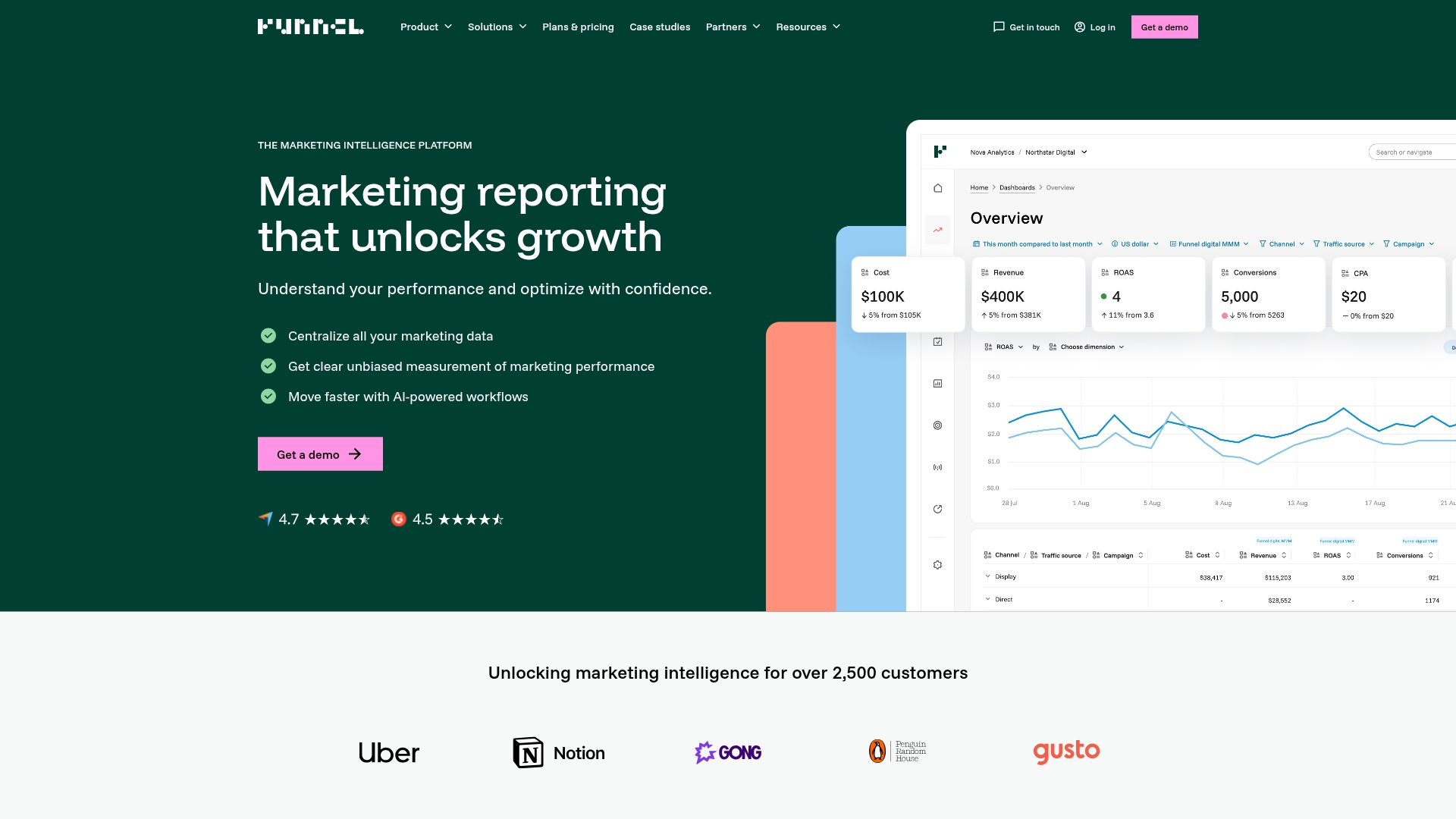
Funnel serves as a marketing data hub, aggregating and normalizing data from advertising and marketing platforms for export to visualization tools and data warehouses.
Best for: Marketing teams that want clean, normalized data flowing into their existing BI infrastructure.
Key strengths
Centralizes data from all major ad platforms with pre-built connectors
Automated data cleaning and normalization for consistent metrics
Exports to any BI tool, spreadsheet, or data warehouse
No-code connector setup for fast implementation
Pricing: Starts at approximately $1/month per connector with volume-based pricing.
10. Supermetrics
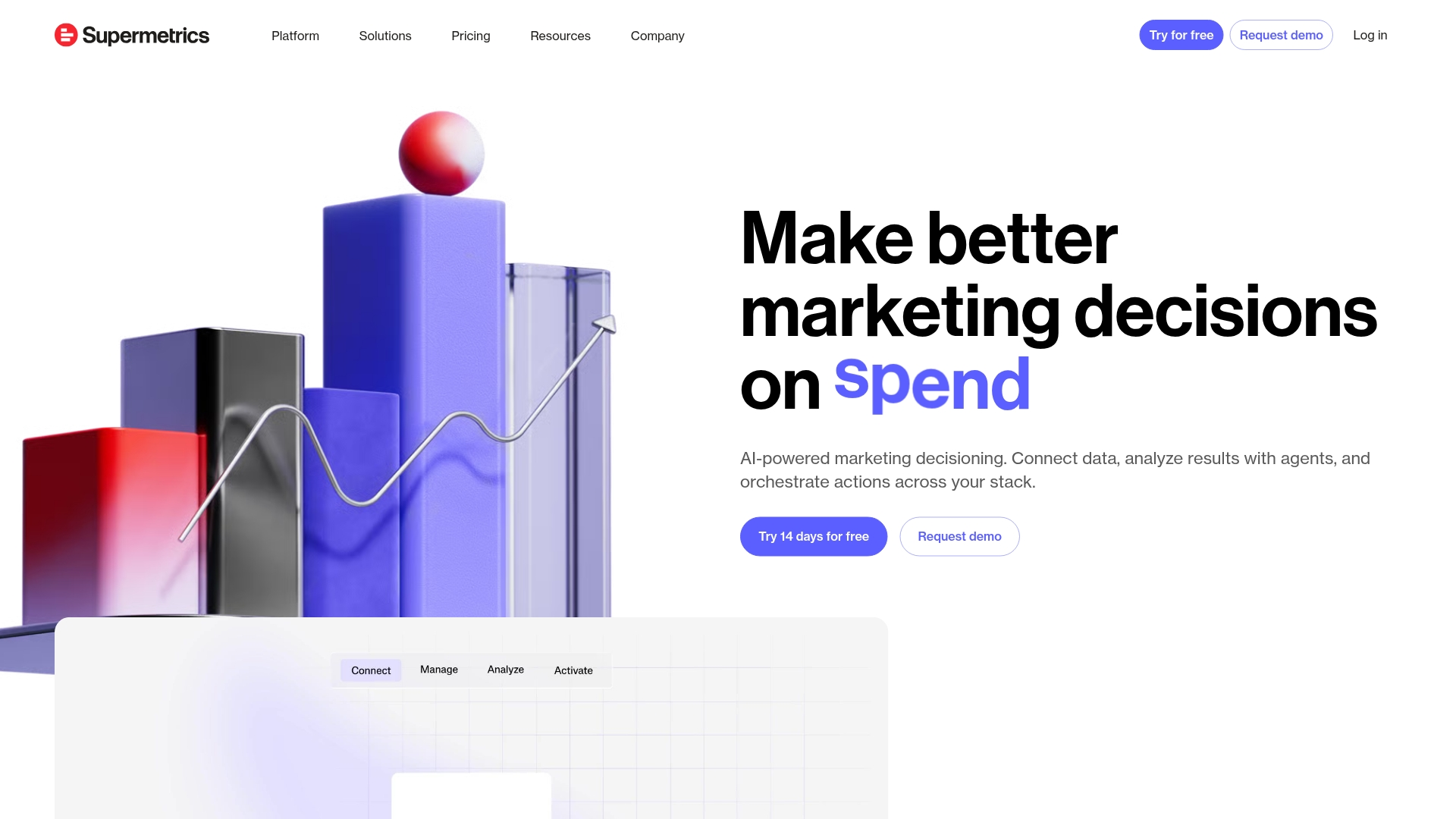
Supermetrics builds data pipelines from marketing platforms into spreadsheets, dashboards, and warehouses. The platform offers direct integrations with Google Sheets, Excel, Looker Studio, and major BI tools.
Best for: Marketing teams that want automated reporting in familiar tools like spreadsheets and Looker Studio.
Key strengths
Direct integrations with Google Sheets and Excel for accessible reporting
Connects to Looker Studio, Tableau, and Power BI for visualization
Scheduled automated reporting to keep dashboards current
Wide connector library covering most marketing data sources
Pricing: Starts at $29/month for single-source connectors.
11. Tableau
Tableau is an enterprise visualization platform for teams with complex reporting requirements. The platform handles large datasets and offers extensive customization for executive dashboards.
Best for: Organizations with dedicated analysts who want powerful visualization capabilities.
Key strengths
Advanced data visualization with extensive chart types and customization
Handles large and complex datasets with strong performance
Extensive customization options for executive and operational reporting
Strong community with templates and best practices
Pricing: Tableau Creator starts at $75/user/month.
12. Domo
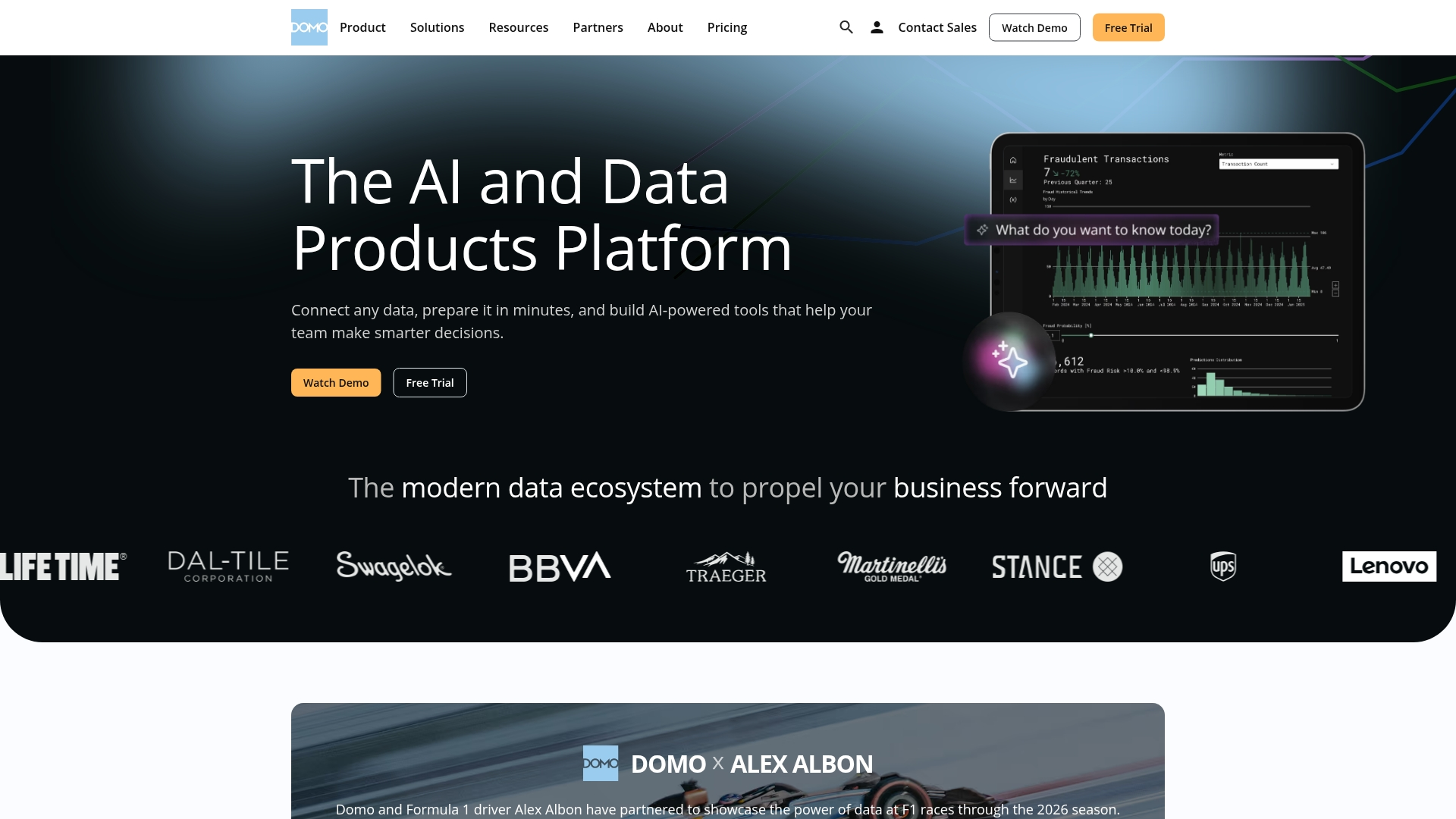
Domo is a cloud-based BI platform with real-time dashboards and built-in collaboration features. The platform emphasizes mobile-first reporting and pre-built connectors for marketing use cases.
Best for: Teams wanting real-time dashboards with collaboration and alerting built in.
Key strengths
Real-time data updates across dashboards without manual refresh
Built-in collaboration, commenting, and alerting features
Pre-built marketing app connectors for faster setup
Mobile-first reporting experience for on-the-go access
Pricing: Custom pricing based on users and data volume.
13. Hotjar
Hotjar provides qualitative user behavior insights through heatmaps and session recordings. The platform complements quantitative analytics by showing how users actually interact with your pages.
Key strengths
Heatmaps showing click, scroll, and move behavior on pages
Session recordings for watching individual user journeys
Feedback widgets and surveys for direct user input
Simple setup without requiring developer resources
Pricing: Free Basic plan available. Plus starts at $39/month.
14. Salesforce Marketing Cloud Intelligence
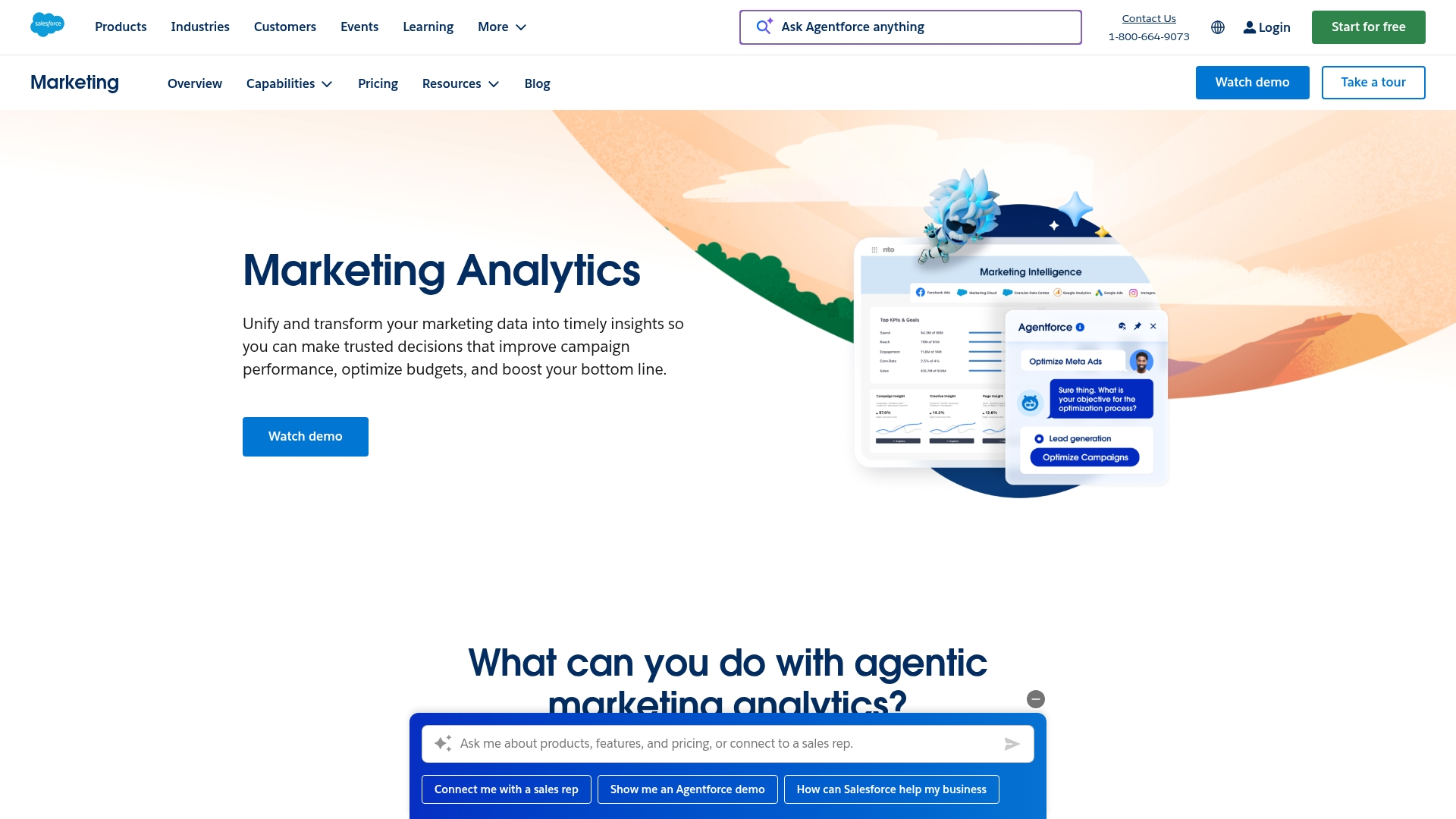
Salesforce Marketing Cloud Intelligence (formerly Datorama) provides enterprise marketing analytics with AI-powered insights and cross-channel measurement. The platform integrates natively with Salesforce CRM.
Key strengths
Native Salesforce CRM integration for unified customer data
AI-powered optimization recommendations based on performance patterns
Cross-channel campaign measurement with advanced attribution
Enterprise scalability and security certifications
Pricing: Custom enterprise pricing.
15. Adobe Analytics
Adobe Analytics is an enterprise-grade digital analytics platform with advanced segmentation, attribution modeling, and real-time data processing.
Best for: Large enterprises with complex digital properties and existing Adobe investments.
Key strengths
Advanced segmentation and audience building for targeted analysis
Multi-touch attribution modeling with customizable rules
Real-time data processing at enterprise scale
Deep integration with Adobe marketing and experience tools
Pricing: Custom enterprise pricing based on server calls and features.
How to choose the right marketing analytics software
Define your primary use case
Different analytics categories require different tools.
Web traffic analysis: Start with GA4 as your baseline
SEO and competitive intelligence: Prioritize Semrush or similar specialized tools
Cross-channel attribution: Look at Funnel, Improvado, or enterprise options
User behavior: Consider Mixpanel, Amplitude, or Heap based on instrumentation preferences
Evaluate integration requirements
Your analytics tools connect to your existing CRM, marketing automation, and data infrastructure. Check that platforms connect with your current stack before committing. A tool that doesn't connect to your CRM creates manual work that defeats the purpose.
Assess data volume and complexity
Smaller teams often want simple dashboards and pre-built reports. Enterprise teams may require data warehousing, custom modeling, and advanced segmentation. Match tool complexity to your actual requirements rather than buying capabilities you won't use.
Consider reporting and visualization needs
Some platforms include built-in dashboards while others require separate BI tools. If your team already uses Tableau or Looker, a data aggregation tool like Funnel or Supermetrics may be more valuable than an all-in-one platform.
Calculate total cost of ownership
Pricing varies widely across marketing analytics platforms. Factor in implementation time, training, and ongoing maintenance beyond license fees.
What traditional marketing analytics tools miss
Most analytics platforms track traffic, conversions, and campaign performance effectively. However, they often miss what happens when prospects actually engage with your product content.
Engagement depth: Page views don't reveal whether prospects understood your value proposition
Buyer intent signals: Form fills indicate interest but not readiness to buy
Content interaction: Static analytics can't track how users explore product features in demos
Self-serve behavior: Prospects who engage deeply with interactive demos signal higher intent than those who bounce
Traditional tools tell you someone visited your demo page. Engagement analytics tell you they spent 4 minutes exploring your reporting features and completed the entire guided experience.
Start tracking performance across every channel
The best marketing analytics stack combines traditional metrics with engagement analytics. Start with foundational tools like GA4 for web traffic and your CRM's built-in reporting for pipeline visibility. Then layer specialized tools based on your primary use cases.
For teams using interactive product content, adding engagement analytics surfaces intent signals that traditional tools miss. You'll know not just who visited, but who actually understood your product.
Start your journey with Guideflow today!
FAQs about marketing analytics tools
Q: How do marketing analytics tools differ from Google Analytics?
A: GA4 focuses primarily on web traffic and user behavior on your site. Other marketing analytics platforms aggregate data across channels including ads, email, social, and CRM for unified reporting. Many teams use GA4 as a foundation and add specialized tools for cross-channel visibility.
Q: What is multi-channel attribution and why does it matter for marketers?
A: Multi-channel attribution assigns credit to different touchpoints in the buyer journey. Instead of giving all credit to the last click, attribution models help you understand which channels contribute to conversions at each stage.
Q: Are free marketing analytics tools effective for small marketing teams?
A: Free tools like GA4 and HubSpot's free tier provide substantial value for teams starting out. GA4 covers most web analytics requirements, and free CRM tiers offer basic reporting. Paid upgrades become valuable as data volume grows or when you want advanced features like attribution modeling.
Q: How do AI-powered marketing analytics platforms generate insights?
A: AI tools use machine learning to identify patterns in your data, predict outcomes like conversion probability, and recommend optimizations. AI capabilities work best with large datasets where patterns aren't obvious to human analysts reviewing dashboards manually.
Q: Which marketing analytics platform works best for B2B companies?
A: B2B companies typically benefit from platforms with strong CRM integration and account-based tracking. HubSpot, Salesforce Marketing Cloud Intelligence, and specialized B2B attribution tools help connect marketing activities to pipeline and revenue at the account level.
Q: What metrics do product marketing teams prioritize in analytics software?
A: Product marketing teams typically focus on pipeline influence, content engagement, feature adoption, and conversion rates by segment. Vanity metrics like page views matter less than understanding which content and campaigns actually drive qualified opportunities.
Q: How long does implementation typically take for enterprise marketing analytics software?
Implementation ranges from hours for simple tools to several months for enterprise platforms. GA4 and similar tools can be set up in a day. Enterprise solutions requiring data warehouse setup, custom integrations, and team training may take 3-6 months for full deployment.
Q: How can marketers measure buyer engagement on interactive product content?
A: Specialized tools track session-level interactions including which features prospects explore, time spent per section, and completion rates for guided experiences. Engagement data provides intent signals that complement traditional conversion metrics.