Your buyers are researching your product right now, and most of them won't talk to sales until they've already made up their mind. Gartner reports that B2B buyers spend only 17% of their purchase journey meeting with potential suppliers, which means 83% of the decision happens without you in the room.
Buyer enablement tools give prospects the self-service resources, interactive content, and transparent information they need to evaluate and champion your product internally.
What's inside
This guide covers 15 buyer enablement tools across five categories: interactive demos, digital sales rooms, social proof platforms, proposal automation, and scheduling tools. We selected platforms based on their ability to support self-service buyer experiences, enable multi-stakeholder collaboration, and integrate with existing CRM and marketing systems.
You'll find honest evaluations of each tool, including pricing, G2 ratings, and specific use cases. Whether you're looking to reduce demo no-shows or give buying committees the resources they need to build internal consensus, this list has you covered.
TL;DR
- Buyer enablement tools give prospects the self-service resources they need to make purchasing decisions without waiting for sales calls.
- Interactive demo platforms like Guideflow let buyers experience your product on their own terms, which typically increases engagement and shortens sales cycles.
- Digital sales rooms centralize all deal content for buying committees with multiple stakeholders.
- Start with product experience tools if your buyers ghost after demo requests or deals stall mid-funnel.
What is buyer enablement
Buyer enablement tools help potential customers make confident, informed purchasing decisions by providing self-service resources, interactive content, and transparent information. Unlike sales enablement, which arms your sellers with training and content, buyer enablement arms the buyers themselves. The distinction matters because modern B2B buyers complete most of their research before ever talking to sales.
The shift toward buyer enablement reflects a fundamental change in how B2B purchases happen. Forrester predicts that over half of large B2B transactions will be processed through digital self-serve channels. Buying committees have grown larger - Forrester found that 13 people on average are involved in each buying decision - and each person needs to gather information independently before the group can reach consensus.
- Self-service resources: On-demand content buyers can access without scheduling a call, including product documentation, pricing pages, and case studies.
- Interactive content: Demos, ROI calculators, and diagnostic assessments that buyers can explore independently.
- Transparent information: Pricing, competitive comparisons, and proof points that help buyers build internal business cases.
When to use buyer enablement tools
Buyer enablement tools become essential when specific friction signals appear in your sales process. Here's how to recognize when your buying experience could improve.
Deals stall mid-funnel. Prospects engage initially but then go silent before making a decision. This often indicates that stakeholders beyond your main contact lack the information they need to advocate internally.
Multi-stakeholder buying committees. When multiple people evaluate your product independently, they need resources that don't require your sales team's involvement for every question.
High demo no-show rates. If prospects request demos but frequently cancel or ghost, the cognitive cost of committing to a live meeting may be too high. Self-serve options let them evaluate on their own terms.
Long sales cycles without visibility. When buyers need significant time to build internal consensus and you have no insight into their process, buyer enablement tools provide engagement data that reveals deal health.
Buyer enablement tools comparison table
| # | Product | Category | Key differentiator | Pricing | G2 rating |
|---|---|---|---|---|---|
| 1 | Guideflow | Interactive demos | No-code demos with AI personalization | Free tier available | 5.0/5 |
| 2 | Aligned | Digital sales rooms | AI-powered deal collaboration | From $49/user/mo | 4.8/5 |
| 3 | Dock | Client workspaces | Combined sales and CS portals | From $49/user/mo | 4.9/5 |
| 4 | GetAccept | Deal rooms + e-sign | Integrated contract signing | From $25/user/mo | 4.6/5 |
| 5 | G2 | Social proof | Buyer intent from review activity | Custom pricing | 4.5/5 |
| 6 | Crossbeam | Partner intelligence | Account overlap mapping | Free tier available | 4.7/5 |
| 7 | 6sense | Buyer intelligence | Anonymous intent identification | Custom pricing | 4.7/5 |
| 8 | Qwilr | Interactive proposals | Web-based dynamic proposals | From $35/user/mo | 4.5/5 |
| 9 | PandaDoc | Document automation | Template library with e-sign | From $19/user/mo | 4.7/5 |
| 10 | Chili Piper | Scheduling | Instant booking from forms | From $15/user/mo | 4.6/5 |
| 11 | Calendly | Scheduling | Simple self-service booking | Free tier available | 4.6/5 |
Interactive demo and sandbox platforms
Interactive demo platforms let prospects experience your product through guided, clickable journeys without requiring live calls or logins. This category represents the most direct form of buyer enablement because it shows your product's value rather than just describing it.
1. Guideflow
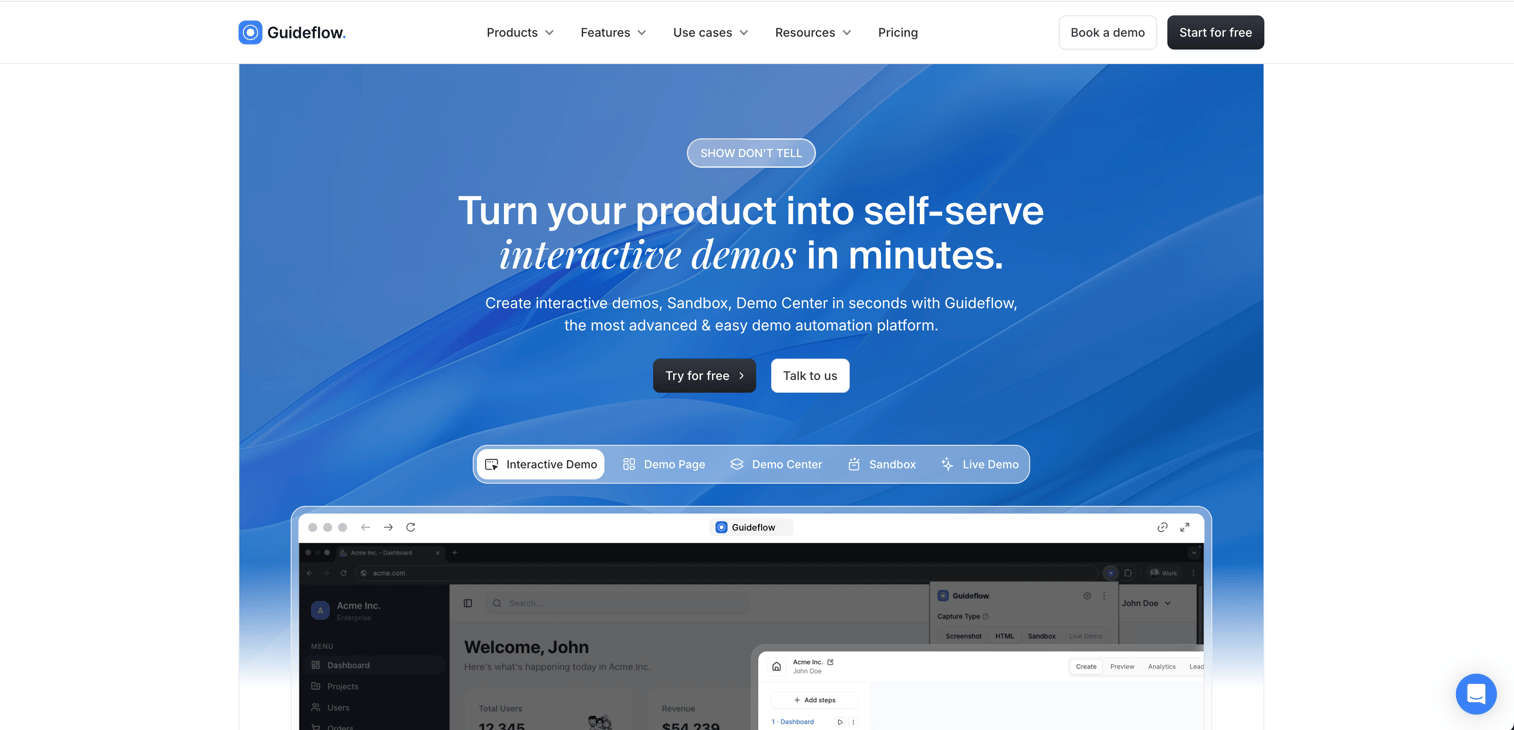
Guideflow is a demo automation platform that lets you whip up interactive demos in no time. You capture your product flow directly from your browser, then edit and personalize it with a no-code editor. The platform supports all sorts of formats including interactive demos, sandboxes, demo centers, and mobile demos.
What sets Guideflow apart is how fast you can get from capture to publish. Teams normally create their first demo in under three minutes. When 83% of buying decisions are made without sales in the room, giving prospects a hands-on product experience right when they're researching is the most effective thing you can do. The AI does a lot of the polish work for you, including auto-generated steps, translations, and voiceove
Key strengths
- Record product flow in clicks, not hours. Browser-based capture makes it a breeze.
- Customize with CRM data. CRM-driven personalization lets you tailor demos with variables from Salesforce, HubSpot, or other tools.
- Share it anywhere. Multi-channel distribution gives you options - links, embeds, email, social, or ads.
- Track engagement in real-time. See completion rates, drop-off points, and lead scoring when you need to.
Best for: Product marketing teams and pre-sales teams who want prospects to try the product before committing to a call.
Pricing: We've got a free tier, and Paid plans start at $40/month for Solo, with Growth at $499/month and Enterprise options available.
Digital sales rooms and deal collaboration tools
Digital sales rooms (DSRs) centralize all deal-related content in one secure hub. DSRs help you understand who's involved in the buying decision by tracking which stakeholders engage with what content.
2. Aligned
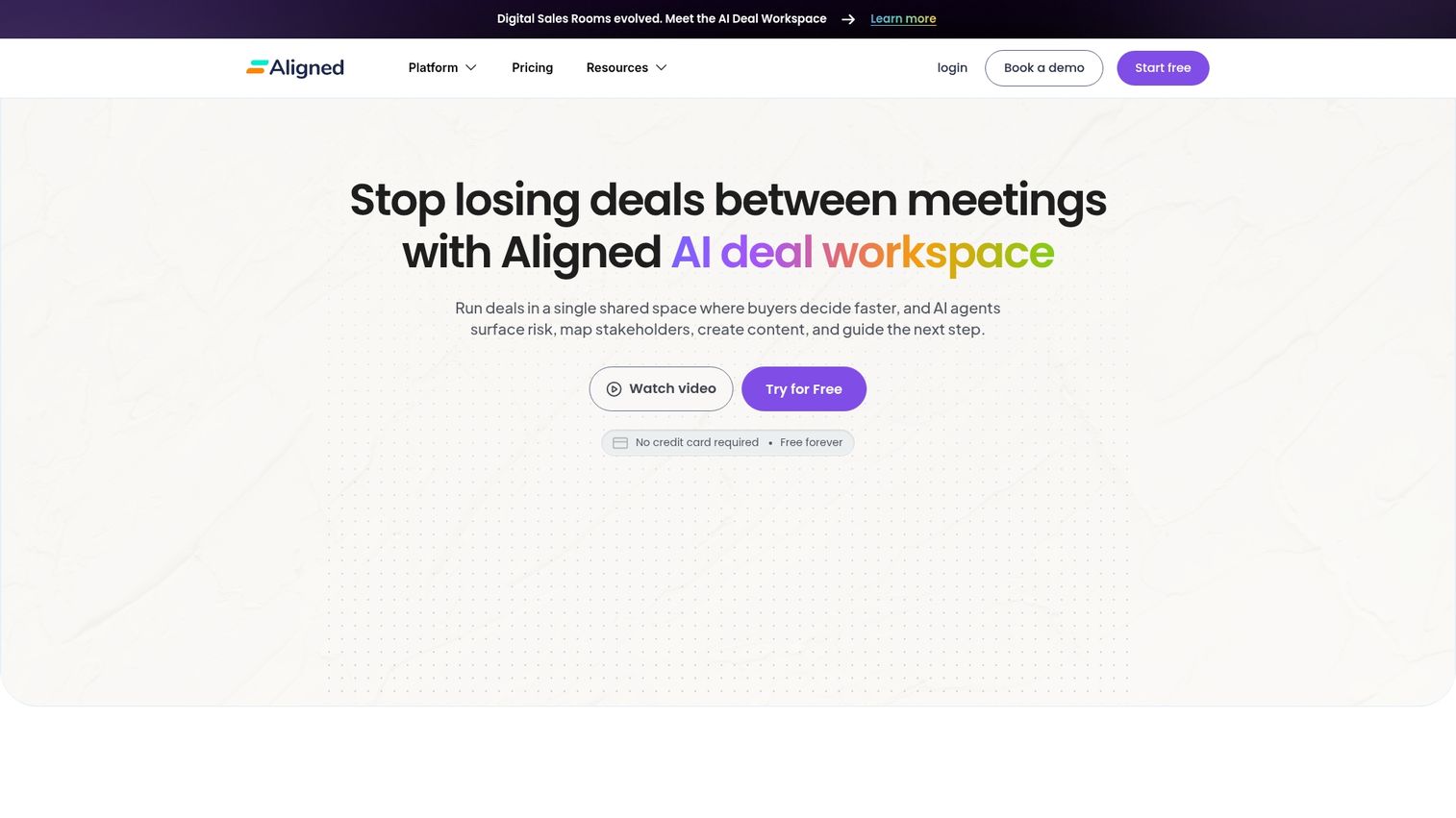
Aligned builds AI-powered deal rooms where all stakeholders can access content, ask questions, and track next steps. The platform really focuses on mutual action plans that keep complex deals moving forward.
The AI looks at engagement patterns - which stakeholders opened the room, what content they spent time on, and whether activity has dropped off - and then actually surfaces deal health scores and recommended next actions. This helps sales teams follow up based on what the buyer's actually doing, rather than just making an educated guess.
Key strengths
- Shared timelines that everyone updates. Mutual action plans give the buying committee ownership of next steps.
- See who's looking at what. Stakeholder engagement tracking reveals hidden decision-makers.
- Automated deal health scoring. AI looks at engagement patterns, not just rep forecasts, to give you a clear picture.
Best for: Sales teams managing complex, multi-stakeholder deals where visibility into buying committee activity is super important.
Pricing: Plans start at $49/user/month - check it out.
3. Dock
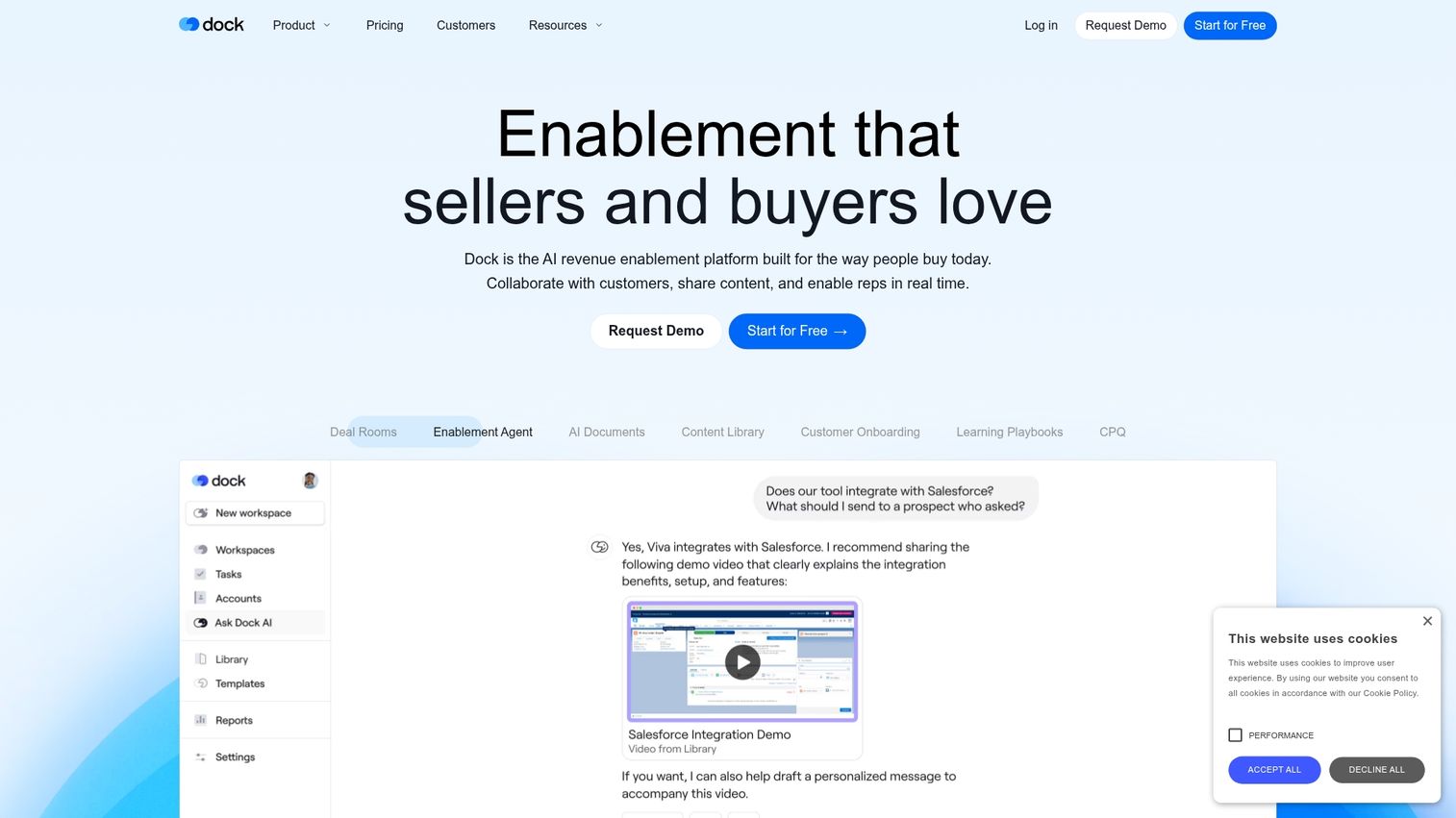
Dock combines sales deal rooms with customer success portals, creating client workspaces that extend beyond the initial sale. This approach reduces the number of tools needed across the customer lifecycle.
The template library makes it easy to create consistent experiences across deals. Teams can standardize their sales process while still personalizing content for each prospect.
Key strengths
- Unified workspaces: Same platform for sales and customer success.
- Template library: Repeatable structures for common deal types.
- Embedded content: Proposals, videos, and project plans in one place.
Best for: Teams that want continuity from sales through onboarding and account management.
Pricing: Plans start at $49/user/month.
4. GetAccept
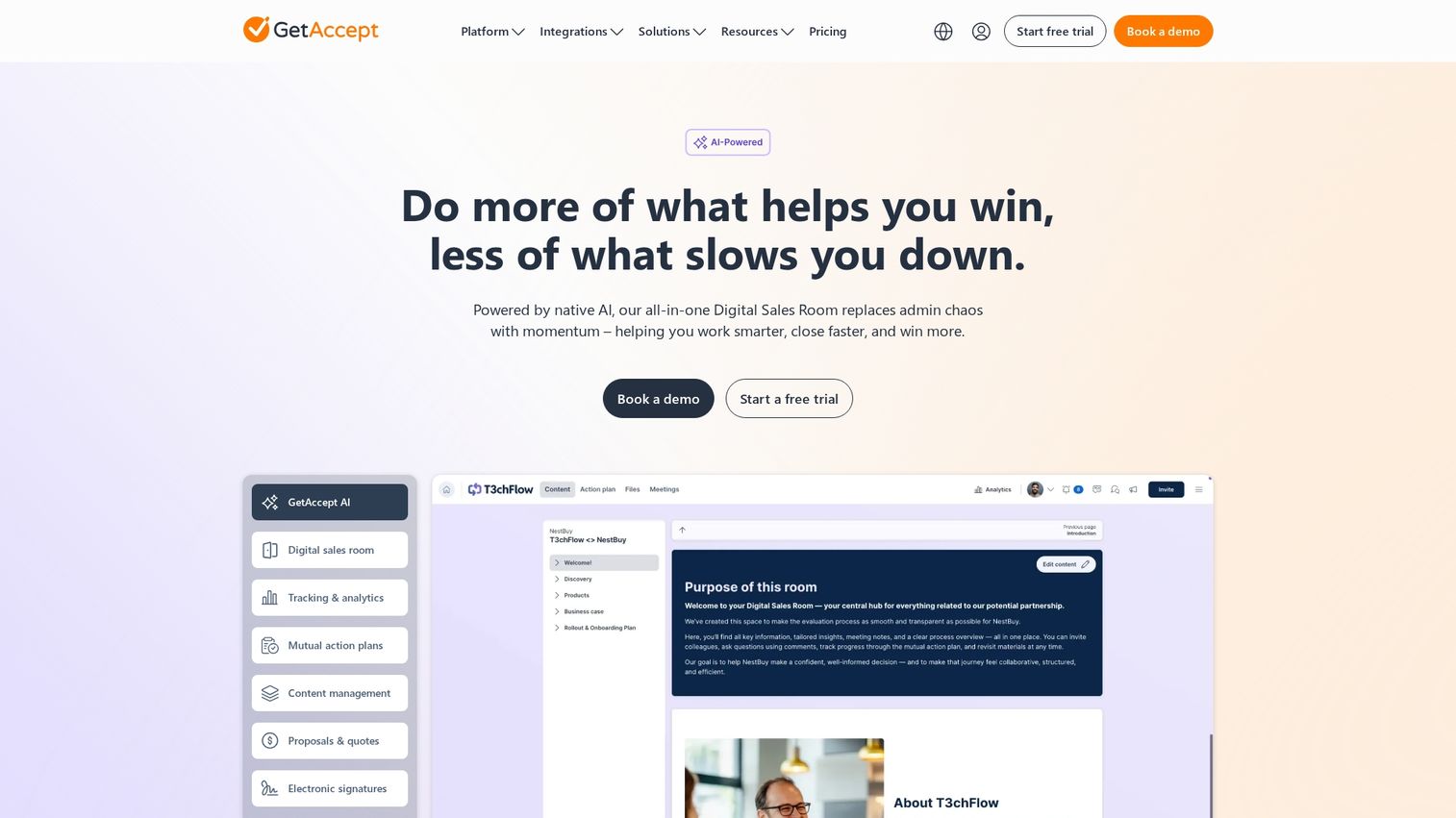
GetAccept combines digital sales rooms with e-signature functionality. This integration kills the biggest momentum-killer at the final stage - when you're trying to get a signature, you don't want to make buyers switch to a separate signing tool after they've been reviewing content in a deal room. With GetAccept, contracts live right in the same environment they've been working in throughout the eval.
The video messaging feature is a great way to add a personal touch to async communication. Sales reps can record quick videos to answer questions or accompany proposals without needing a scheduled call.
Key strengths
- Sign contracts without leaving the room. Integrated e-signature eliminates that last-minute switch.
- Video messaging for personal touch. Send quick videos to prospects to keep the conversation going.
- Track document views in real-time. See what sections buyers are looking at and for how long.
Best for: Teams that want to streamline the path from proposal to signature by keeping everything in one tidy place.
Pricing: Plans start at $25/user/month.
Social proof and buyer intelligence platforms
Social proof and buyer intelligence platforms help prospects validate their decisions through peer reviews, reference customers, and account intelligence. They're essential for building credibility with skeptical buying committees.
5. G2
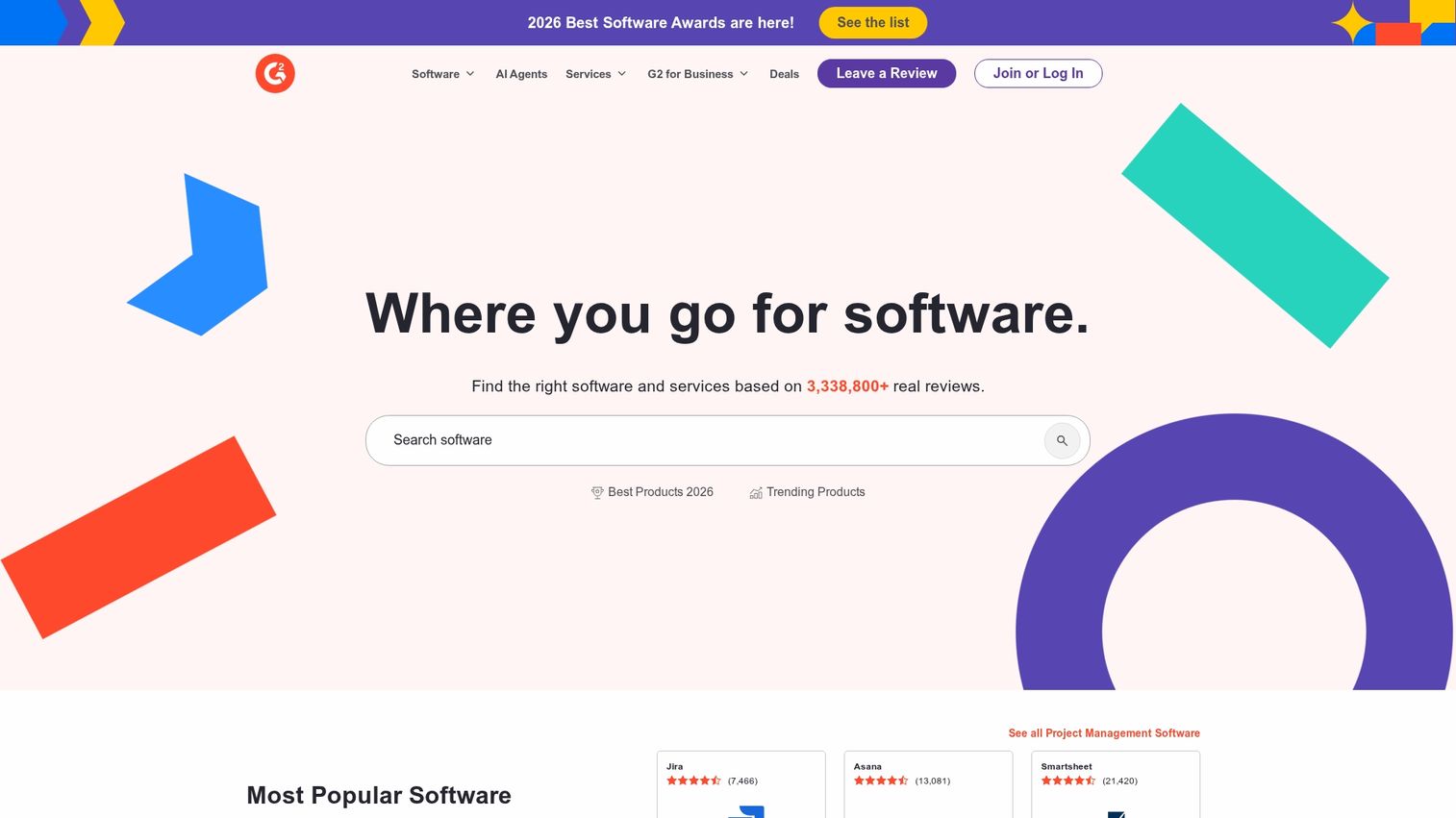
G2 is the dominant B2B software review platform, and its buyer enablement value is clear: when a CFO asks "who else uses this?" or a security lead needs to validate your compliance posture, G2 reviews answer those questions at scale without requiring your sales team's involvement. That's a big win for buying committees, where multiple people need to evaluate your product independently. Verified peer reviews serve as on-demand social proof each stakeholder can access on their own.
On the seller side, G2 also provides buyer intent data that shows when prospects are actively researching your category or competitors. This lets you proactively reach out to accounts that are already in-market.
Key strengths
- Peer validation at scale. Third-party reviews that help every member of the buying committee build confidence on their own.
- Instant comparison content. Buyers can evaluate your product against alternatives without requesting demos from each vendor.* Buyer Intent Data: The signals that come from research activity on G2 reveal the accounts that are in-market.
Best For: Any B2B software company that wants to give buying committees independent proof points and figure out which accounts are in-market.
Pricing: They've got custom pricing based on the features and access to intent data that you need.
6. Crossbeam
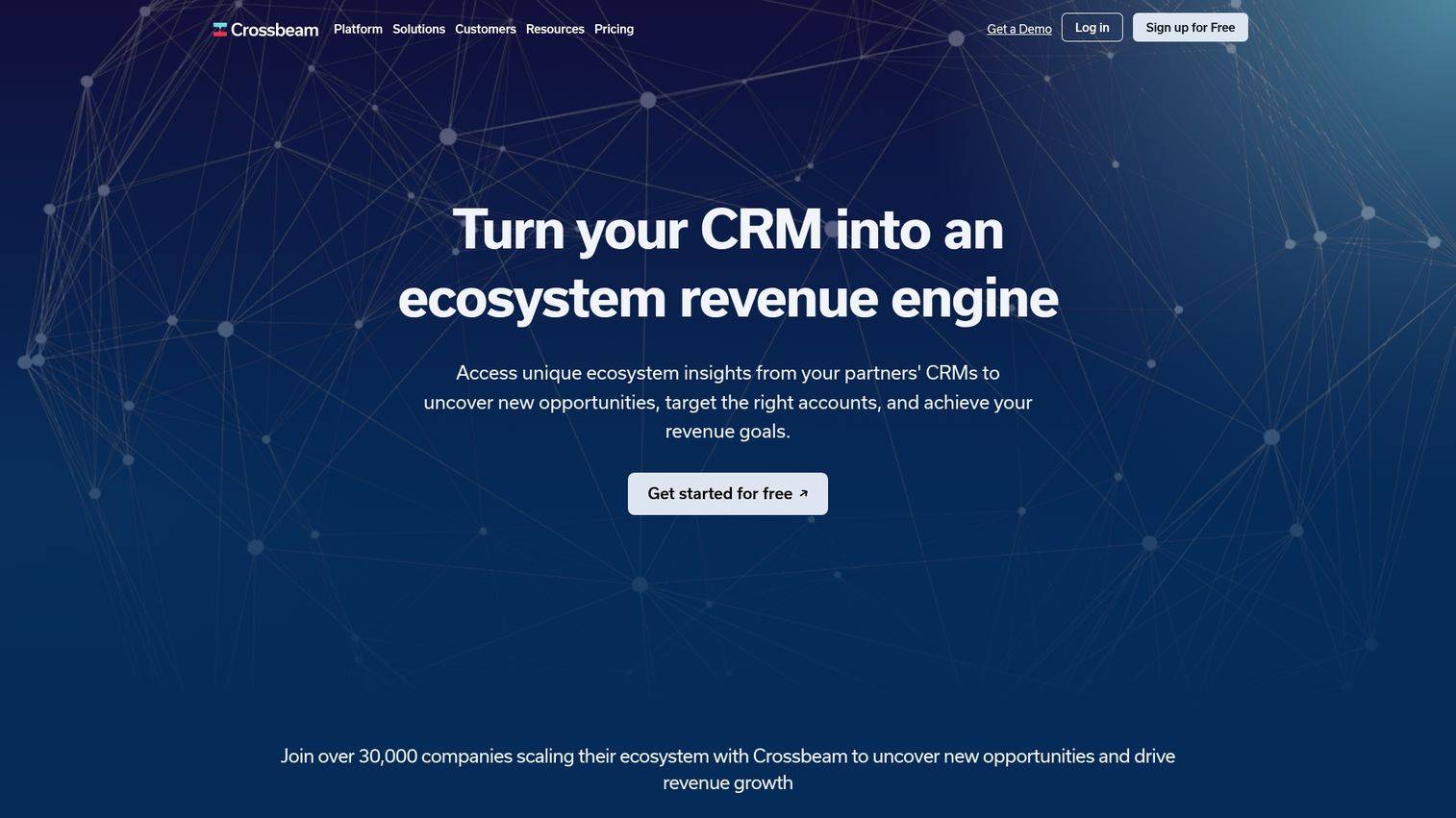
Crossbeam maps the overlap between your accounts and your tech partners. This reveals warm introduction paths that help buyers build confidence faster. If a prospect is already using one of your integration partners, that existing trust relationship makes it easier for them to evaluate - the buyer's IT team or procurement lead can validate your product through a vendor they already know & trust, rather than having to do all the legwork.
For buying committees, partner-sourced introductions carry a lot more weight than cold outreach because they come with credibility built-in. Crossbeam surfaces these connections so you can offer buyers a trusted referral path into your product.
Key Strengths
- Trusted Referral Paths: Buyers can validate your product through partners they already work with, which reduces friction in the evaluation process.
- Account Overlap Mapping: Identify shared customers with partners to surface warm introduction opportunities.
- Ecosystem Intelligence: Understand which partner relationships can accelerate specific deals.
Best For: Companies with strong partner ecosystems where buyers already trust the vendors in your integration network.
Pricing: Free tier is available, and paid plans unlock more advanced features.
7. 6sense
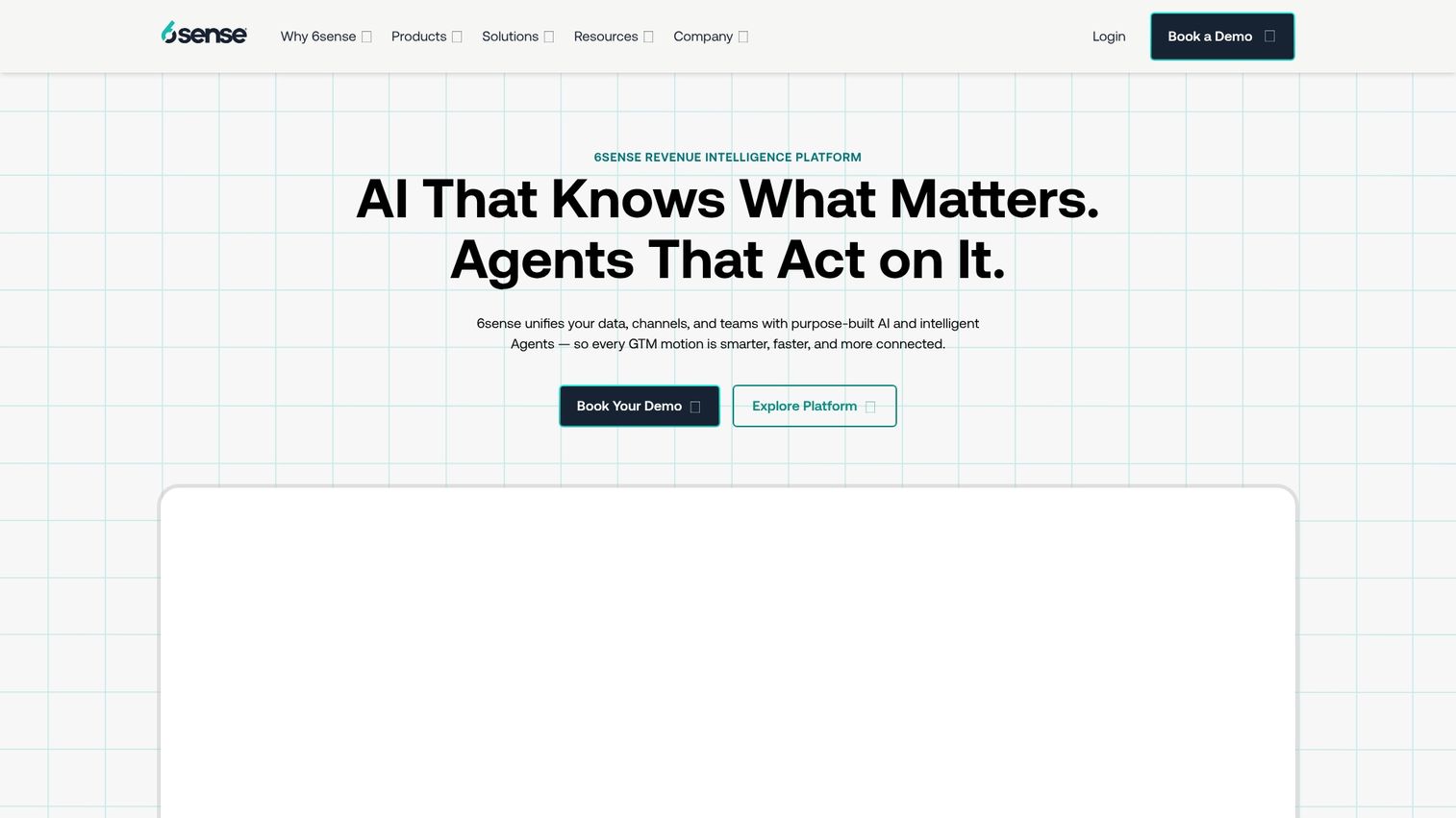
6sense identifies anonymous buying committee activity and intent signals across the web, revealing which accounts are actively researching your category before they ever fill out a form. The buyer enablement angle is that when your team can see a prospect is researching solutions, you can proactively surface relevant self-service resources - demos, guides, ROI calculators - right when the buyer is ready to consume them, rather than relying on cold outreach that shows up at the wrong time.
This capability enables account-based strategies that meet buyers where they are in their research journey. It's a great tool, but it does require some setup and ongoing management, making it best suited for teams with dedicated ops resources.
Key Strengths
- Timely Resource Delivery: See when accounts are in-market so you can deliver the right self-service content at the right moment.
- Anonymous Buyer Identification: See which accounts are researching your category before they engage directly.
- Account-Based Orchestration: Coordinate outreach and content delivery based on actual buyer behavior.
Best For: Enterprise teams with dedicated marketing ops who want to match buyer enablement content to real-time purchase intent.
Pricing: Custom enterprise pricing applies.
Proposal and contract automation tools
Proposal and contract automation tools reduce friction at the decision and signature stages. Interactive proposals and streamlined contract workflows make it easier for buyers to commit.
8. Qwilr
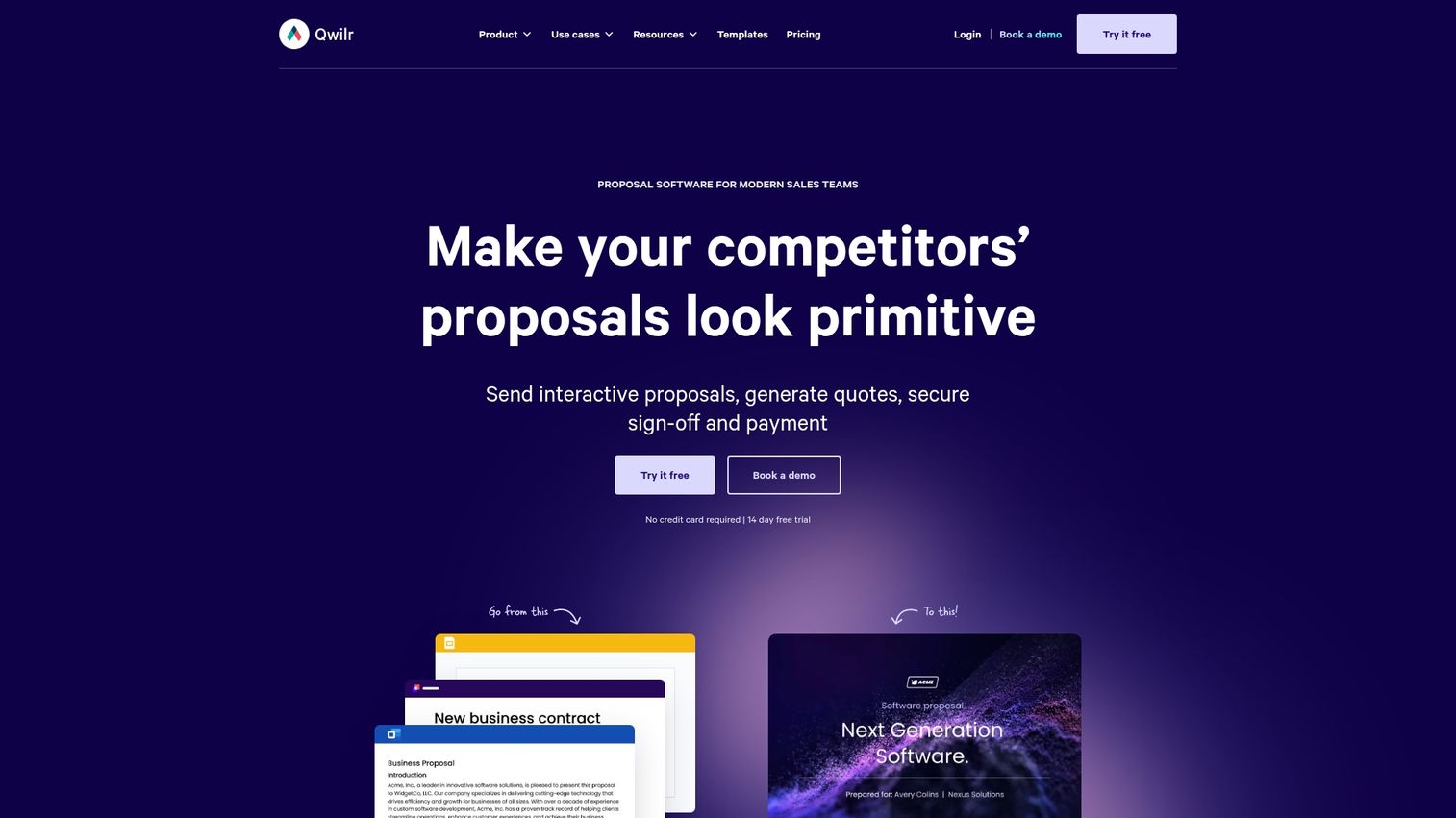
Qwilr replaces static PDF proposals with interactive, web-based documents. Buyers can accept and sign directly within the proposal, and you can see exactly which sections they spend time reviewing.
The interactive pricing tables let buyers configure options themselves. This self-service approach often accelerates decisions by giving buyers control.
Key strengths
- Interactive proposals: Dynamic content that engages buyers.
- Built-in e-signature: Accept and sign in one flow.
- Section-level analytics: See what content resonates.
Best for: Teams that want proposals to feel more like product experiences than documents.
Pricing: Plans start at $35/user/month.
9. PandaDoc
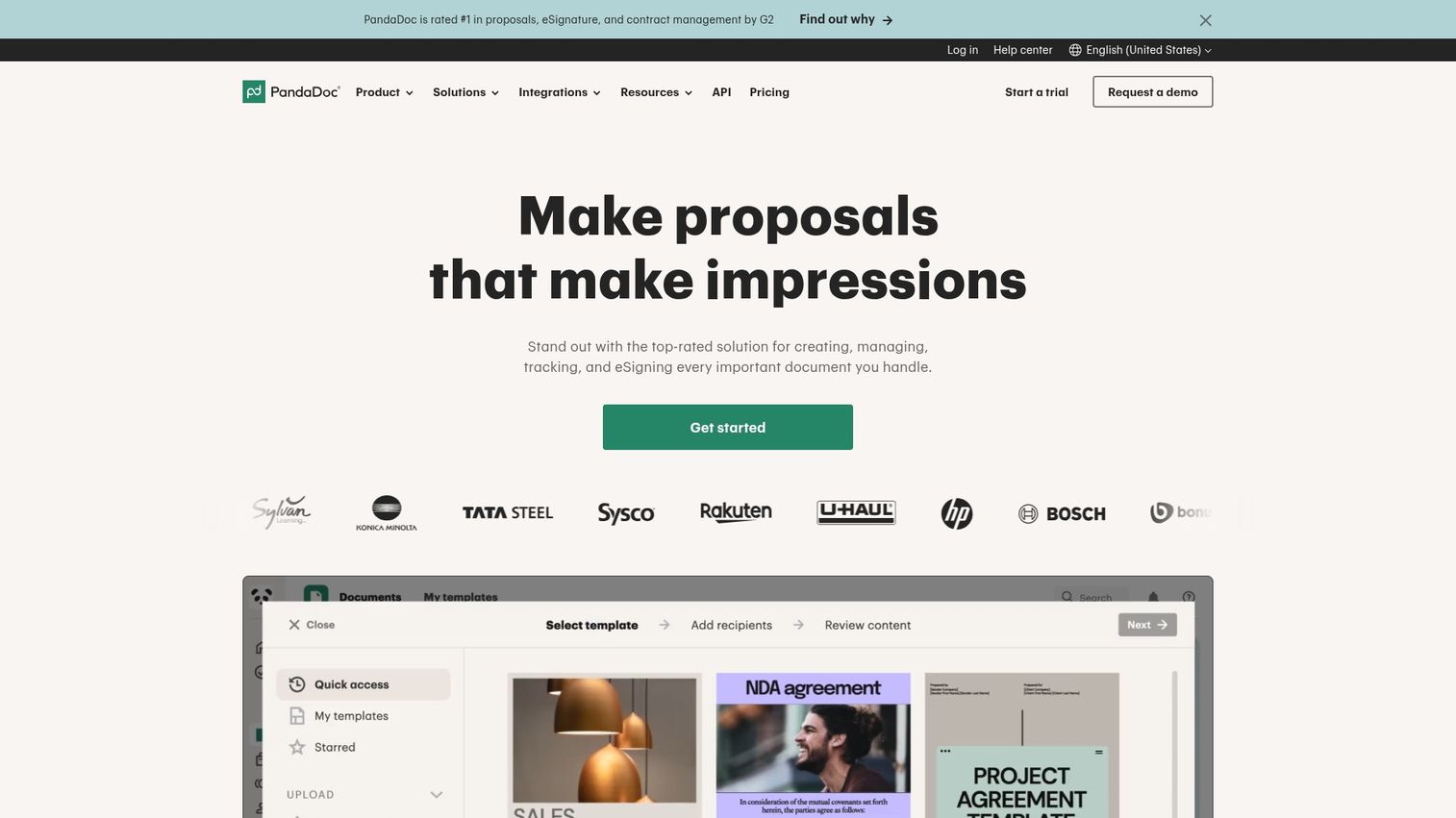
PandaDoc brings document automation right across the finish line - for proposals, quotes, and contracts. While Qwilr focuses on making proposals feel like interactive web experiences - something that's a whole lot of fun for buyers - PandaDoc is aimed squarely at teams who are drowning in a sea of sales documents and desperately need to get them all looking the same and approved with the minimum of fuss and bother.
The real clever bit is how it keeps the buyer fully up to speed with everything that's going on. They get all the proposals, can leave comments, sign - and do it all in one go from the same shared document. That's great news for everyone because it puts an end to the endless email chains and the confusion over which version is the latest - the kind of thing that can really slow things down, especially when multiple people are all chipping in and need to give their approval before anything can be signed.
One of the neat reasons PandaDoc is so good at keeping the buyer in the loop is that it all ties in so nicely with your CRM system - so you can just pull the relevant deal info straight into the document and get buyers a proposal that's tailored just for them, without the hassle of having to wait around for it to get sorted out. And then there's the built-in payment collection - so when the buyer is all done and signs off, it's all over in one go - no need to switch platforms or anything.
Key strengths
- 750+ templates at your disposal: We've got a whole library of pre-built proposals, quotes and contracts that your team can customise as and when they need to.
- CRM data merging just got a whole lot easier: We make it easy to auto-populate all the buyer details from Salesforce or HubSpot so you can get documents out the door a lot faster.
- Approval Workflow - gets multiple people on the same page: You can route documents through internal reviews before they even get sent out to the buyer - all part of ensuring accuracy and meeting all the compliance requirements.
- In one flow - it's the way to go: Buyers can sign and pay for stuff inside the document itself, without ever having to leave the page.
Best suited for: Teams that are constantly swimming in a sea of proposals and contracts - and need to be able to make sure that structured approval processes - and strong CRM software integration - are all part of the deal.
Pricing: Plans start at $19/user/month.
If you want to see how to set up document access requests in PandaDoc so buyers can go off and get all the proposals and contracts they need on their own initiative without having to bother you, then take a look at this interactive tutorial - we reckon you'll find it a real eye-opener.
Scheduling and process acceleration tools
When a buyer is ready to talk, every hour of delay in booking a meeting increases the chance they move forward with whoever responds first. Scheduling tools remove this friction by giving prospects self-service access to your team's availability - no back-and-forth emails, no waiting for a rep to respond. In a buying process where 83% of the decision happens without you present, making the last 17% frictionless is a must.
10. Chili Piper
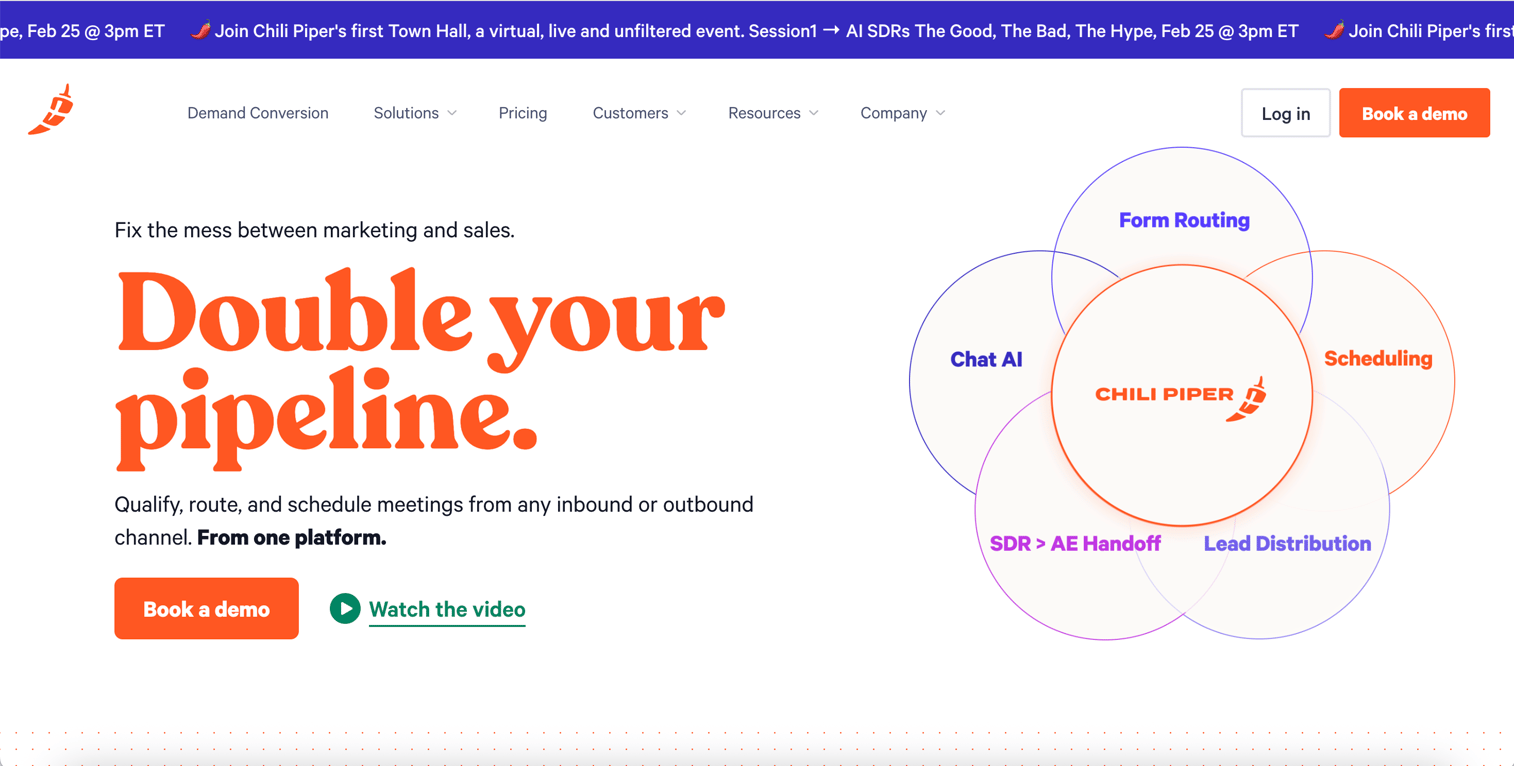
Chili Piper enables instant scheduling from inbound forms. When a qualified buyer fills out a form, they can book a meeting immediately rather than waiting for a sales rep to follow up.
The lead routing features ensure the right rep gets each meeting. For complex sales organizations, this automation prevents leads from falling through the cracks.
Key strengths
- Instant booking: Schedule meetings directly from forms.
- Automated lead routing: Match leads to the right rep.
- Handoff scheduling: Coordinate transitions between team members.
Best for: Teams with high inbound volume who want to maximize conversion from form fills.
Pricing: Plans start at $15/user/month.
11. Calendly
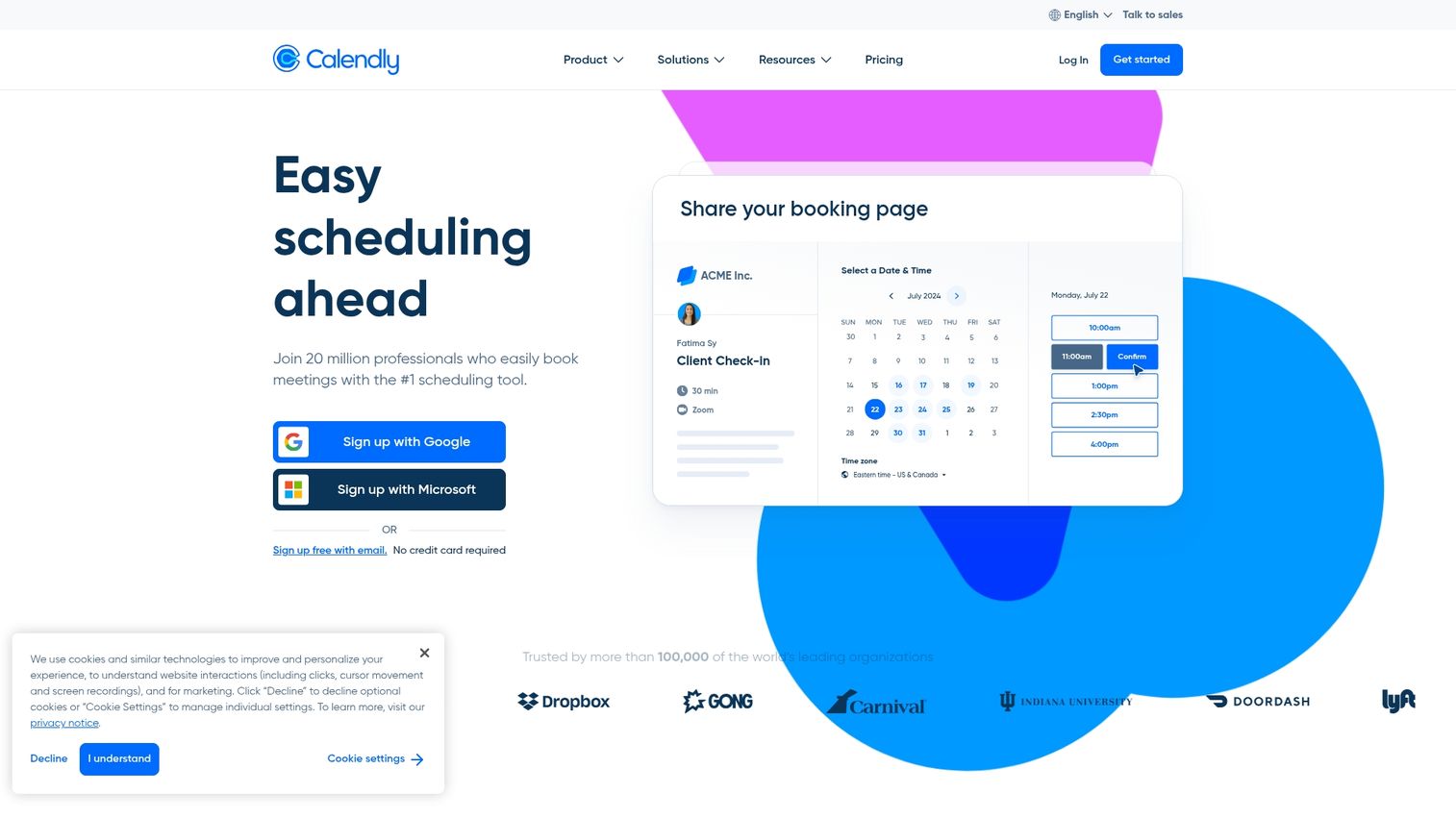
Calendly makes scheduling meetings a no-brainer for B2B buyers - something they're already super familiar with. And that's a big deal because 83% of the buying journey happens without salespeople involved - and when those sales do happen, its usually because the buyers had a smooth ride. Anything that slows them down can stall the deal. And that's often the scheduling process - Calendly cuts through that roadblock because prospects know exactly what to do.
While Chili Piper does an awesome job of handling lots of leads from forms, Calendly is the one that makes sense as the scheduling layer that just works everywhere - you can drop it into emails, proposals, those fancy digital sales rooms, or landing pages, and it'll just work. Plus, the team features are pretty slick - especially Round Robin, which rotates hosts based on who's free, so buyers can always find an open time with the right person.
Want to see how to get team based scheduling set up with Calendly so buyers don't ever meet a wall that says "no one is free"?
Key strengths
Instant recognition. Most buyers have used Calendly before - that means zero extra effort or learning curve at a super critical point in the sales process.
Auto-rotate, auto-win. Use Round Robin to make sure meetings get distributed across all reps based on who's free, so no buyer ever hits a brick wall.
You can put it anywhere. Drop a Calendly link into an email, a proposal, a digital sales room, or anywhere else that makes sense.
Best for: Teams that want a scheduling experience that's universally recognized, trusted, and works all the time.
Calendly pricing
You can start with a free tier - and then its just $10/user/month after that.
How to choose the right buyer enablement platform
Selecting the right tools depends on where friction exists in your current buying process. Here's what to evaluate.
Integration with your existing tech stack
Your buyer enablement software needs to connect with your CRM, marketing automation, and communication tools. Data silos prevent a unified view of buyer engagement. Before committing, verify native integrations with your core systems.
Analytics and buyer intent signals
The real value of buyer enablement tools lies in tracking which content buyers engage with, for how long, and which stakeholders are involved. Look for platforms that offer session-level tracking and detailed engagement analytics, not just page views.
Personalization at scale
Generic content doesn't convert. McKinsey research shows that teams blending personalized experiences with AI are 1.7 times more likely to grow market share. Look for tools that let you personalize buyer enablement content by company, role, industry, or use case without creating every asset from scratch. Dynamic content and variable tokens are key features.
Time to value and ease of adoption
Avoid tools that require months of implementation. The best platforms empower your teams to ship new content in days, not quarters. During evaluation, ask about onboarding timelines and required resources.
Cross-team scalability
Buyer enablement spans marketing, sales, customer success, and product teams. Choose platforms that support collaboration across functions rather than single-team point solutions.
Start your buyer enablement stack with interactive demos
Interactive demos address the core problem in modern B2B sales: buyers want to experience your product before committing their time to sales calls. They're the highest-leverage starting point because they scale a fundamentally valuable action, showing rather than telling.
Platforms like Guideflow let teams create powerful interactive product demos in minutes using no-code capture and AI-powered editing. This enables you to meet buyer demand for self-service at scale, without engineering resources or lengthy production cycles.
Start your journey with Guideflow today!
FAQs about buyer enablement tools
Sales enablement arms your sales team with training, content, and tools to sell effectively. Buyer enablement arms your prospects with self-service resources to make purchasing decisions independently. Both matter, but buyer enablement recognizes that modern buyers want to research and evaluate on their own terms.
Most modern buyer enablement platforms offer native CRM integrations. Guideflow, Dock, Aligned, Chili Piper, PandaDoc, and 6sense all connect with major CRMs. Always verify integration depth for your specific CRM version and requirements.
Yes, smaller teams often benefit most because buyer enablement tools let limited sales resources scale. When you can't personally demo for every qualified lead, self-service options fill the gap. Start with one high-impact category like interactive demos before expanding your stack.
Digital sales rooms and analytics platforms track which stakeholders access your content. This reveals hidden influencers and decision-makers beyond your main contact. The visibility helps you understand and engage the full buying committee.
At the top of funnel, use interactive demos and educational content for awareness. Mid-funnel, digital sales rooms and ROI calculators support evaluation. Bottom of funnel, proposals, contracts, and scheduling tools facilitate decisions.
Implementation time varies by category. No-code interactive demo platforms can launch in hours. Enterprise digital sales rooms or intent data platforms may require several weeks of integration work. Ask vendors about typical timelines for companies similar to yours.