You spend 392 hours per year in meetings. You remember maybe half of what was discussed, and your notes are a mess of half-finished sentences and question marks.
AI meeting assistants fix this by automatically joining your calls to record, transcribe, summarize, and extract action items. This guide covers 10 tools that handle meeting documentation so you can focus on the conversation, with honest comparisons of features, pricing, and which tool fits which workflow.
What's inside
AI meeting assistants are productivity tools that automatically join your calls to record, transcribe, summarize, and track action items. The software eliminates manual note-taking and ensures no details from your meetings get lost.
This guide covers 10 AI meeting assistants for sales teams, remote workers, and anyone spending too much time on meeting admin. We evaluated each tool based on transcription accuracy, integration depth, security certifications, and pricing transparency. By the end, you'll know which tool fits your workflow and budget.
TL;DR
- Best for collaboration and search: Fireflies.ai
- Best bot-free option: Granola
- Best free AI meeting assistant: Fathom
- Best for Microsoft Teams users: Microsoft Copilot (native integration)
- Best for conversation analytics: Avoma
What is an AI meeting assistant
An AI meeting assistant is software that joins your video calls automatically, records the conversation, and produces searchable transcripts with summaries and action items. You might also hear the terms AI notetaker, AI meeting agent, or AI meeting manager. All four describe a category projected to reach $34.28 billion by 2035.
The core functions break down into four areas:
- Recording: Captures audio and video automatically without manual setup
- Transcription: Converts speech to searchable text with speaker labels
- Summarization: Generates condensed meeting notes highlighting key decisions
- Action item extraction: Identifies tasks and assigns owners because 54% of workers leave meetings without knowing next steps
How does an AI meeting assistant differ from a transcription service? A transcription service converts speech to text. An AI meeting assistant goes further by understanding context, identifying who said what, extracting commitments, and integrating with your existing workflow tools like Salesforce or Slack.
When to use an AI meeting assistant
Sales and revenue teams
Account executives run discovery calls, demos, and negotiations daily. An AI meeting assistant captures every objection, pricing discussion, and next step without forcing reps to split attention between listening and typing.
The real value shows up in CRM integration. Tools like Fireflies and Avoma push call summaries and action items directly into Salesforce or HubSpot records. These capabilities complement other presales software tools that streamline the entire sales process. Reps spend 22% less time on CRM entry and more time selling.
Remote and hybrid teams
Async communication creates gaps. Someone misses a standup. A stakeholder joins late. A decision gets made while half the team is offline.
AI meeting assistants let absent team members catch up without watching 45-minute recordings. Searchable transcripts mean you can find exactly when the budget discussion happened and what was decided.
Customer success and support
QBRs, onboarding calls, and support escalations generate valuable product feedback. Without documentation, insights disappear.
Customer success teams use AI meeting assistants to track feature requests across conversations, document onboarding friction points, and surface patterns that inform product roadmaps.
Best AI meeting assistants at a glance
# | Product | Best for | Key differentiation | Pricing | G2 rating |
|---|---|---|---|---|---|
1 | Fireflies.ai | Collaboration and search | Topic tracking across meetings | Free tier, paid from $10/mo | 4.5/5 |
2 | Otter | Cross-document search | AI Chat for querying all meetings | Free tier, paid from $16.99/mo | 4.3/5 |
3 | Avoma | Sales coaching | Conversation analytics and scoring | From $19/mo | 4.6/5 |
4 | tl;dv | Async sharing | Timestamp clips and highlights | Free tier, paid from $20/mo | 4.7/5 |
5 | Fathom | Budget-conscious teams | Generous free tier | Free, paid from $19/mo | 4.9/5 |
6 | Krisp | Noisy environments | Noise cancellation plus transcription | Free tier, paid from $8/mo | 4.7/5 |
7 | Fellow | Meeting management | Agendas plus AI notes | Free tier, paid from $7/mo | 4.7/5 |
8 | MeetGeek | Post-meeting automation | Workflow triggers and team analytics | Free tier, paid from $15/mo | 4.6/5 |
9 | Granola | Privacy-first | Bot-free local processing | Free tier, paid from $10/mo | 4.8/5 |
10 | Equal Time | Inclusive meetings | Speaking time analytics | Custom pricing | 4.4/5 |
Best AI powered meeting assistants for 2026
1. Fireflies.ai
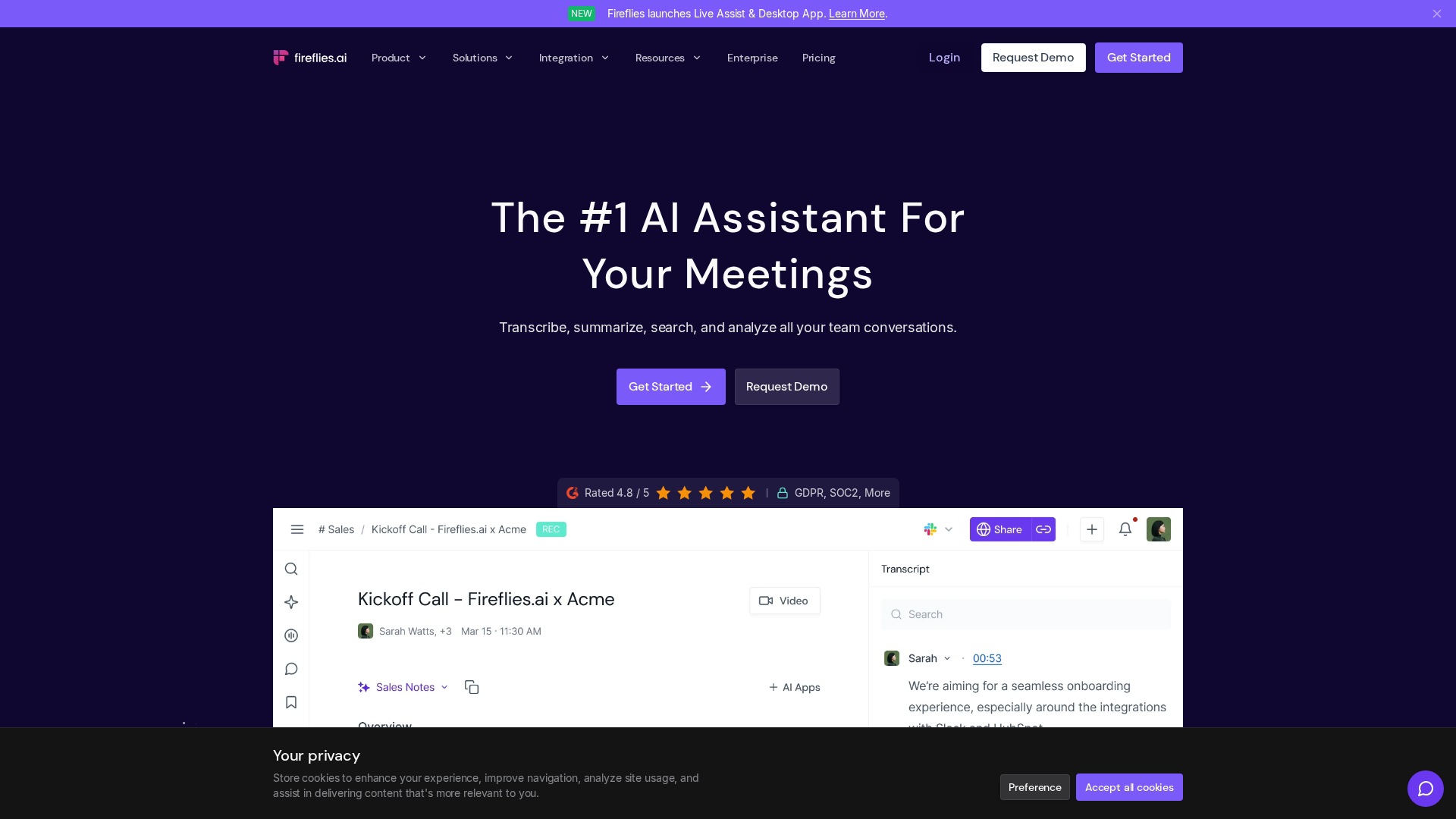
Fireflies.ai provides AI-powered transcription with deep collaboration features. The platform automatically joins Zoom, Meet, Teams, and Webex calls, then generates searchable transcripts organized by topic.
Best for: Teams that want a centralized meeting knowledge base with cross-meeting search.
Key strengths
- Topic tracking: Auto-tags conversations by subject so you can find every pricing discussion across months of calls
- Collaboration: Comment and react on specific transcript moments, then share clips with teammates
- Integrations: Connects to Salesforce, HubSpot, Slack, Notion, and 40+ other tools
Why choose Fireflies
Pick Fireflies when your team runs high volumes of calls and struggles to surface insights across them. The search functionality treats your meeting archive like a queryable database rather than a pile of recordings.
Fireflies pricing
Free tier includes limited transcription. Pro starts at $10/month per seat with unlimited transcription and integrations.
2. Otter
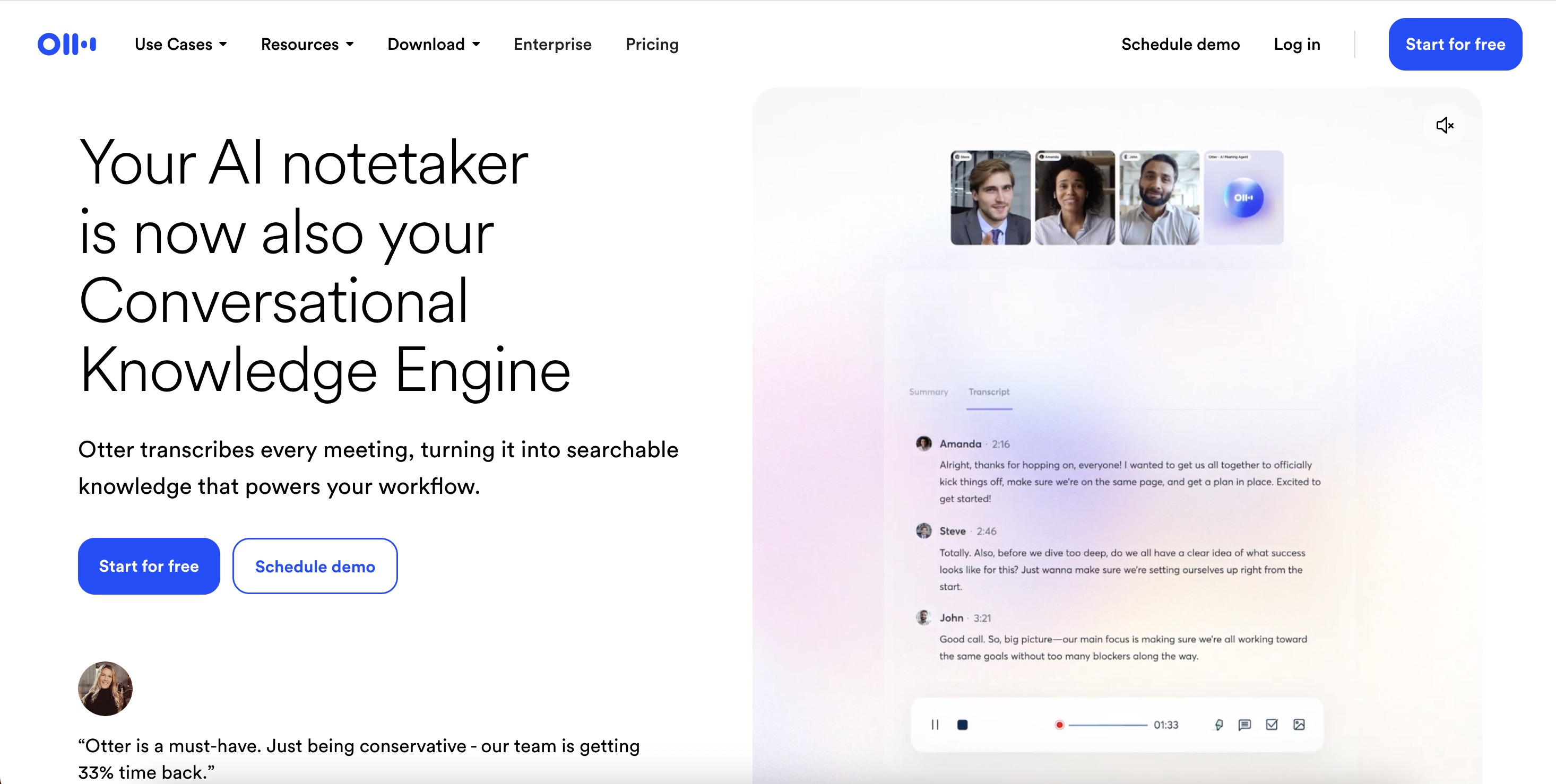
Otter positions itself as a conversational knowledge engine. Beyond transcription, the platform's AI Chat feature lets you ask questions across all your meetings and documents.
Best for: Teams wanting to query their entire meeting history conversationally.
Key strengths
- AI Chat: Ask "What did Sarah say about the Q3 budget?" and get answers pulled from relevant transcripts
- Real-time transcription: See words appear as people speak during live meetings
- Meeting agent: Automatically joins scheduled calls without manual setup
Why choose Otter
Choose Otter when you want more than transcripts. The AI Chat feature turns months of meetings into a searchable knowledge base you can interrogate naturally.
Otter pricing
Free tier includes 300 minutes monthly. Pro starts at $16.99/month with unlimited transcription.
3. Avoma
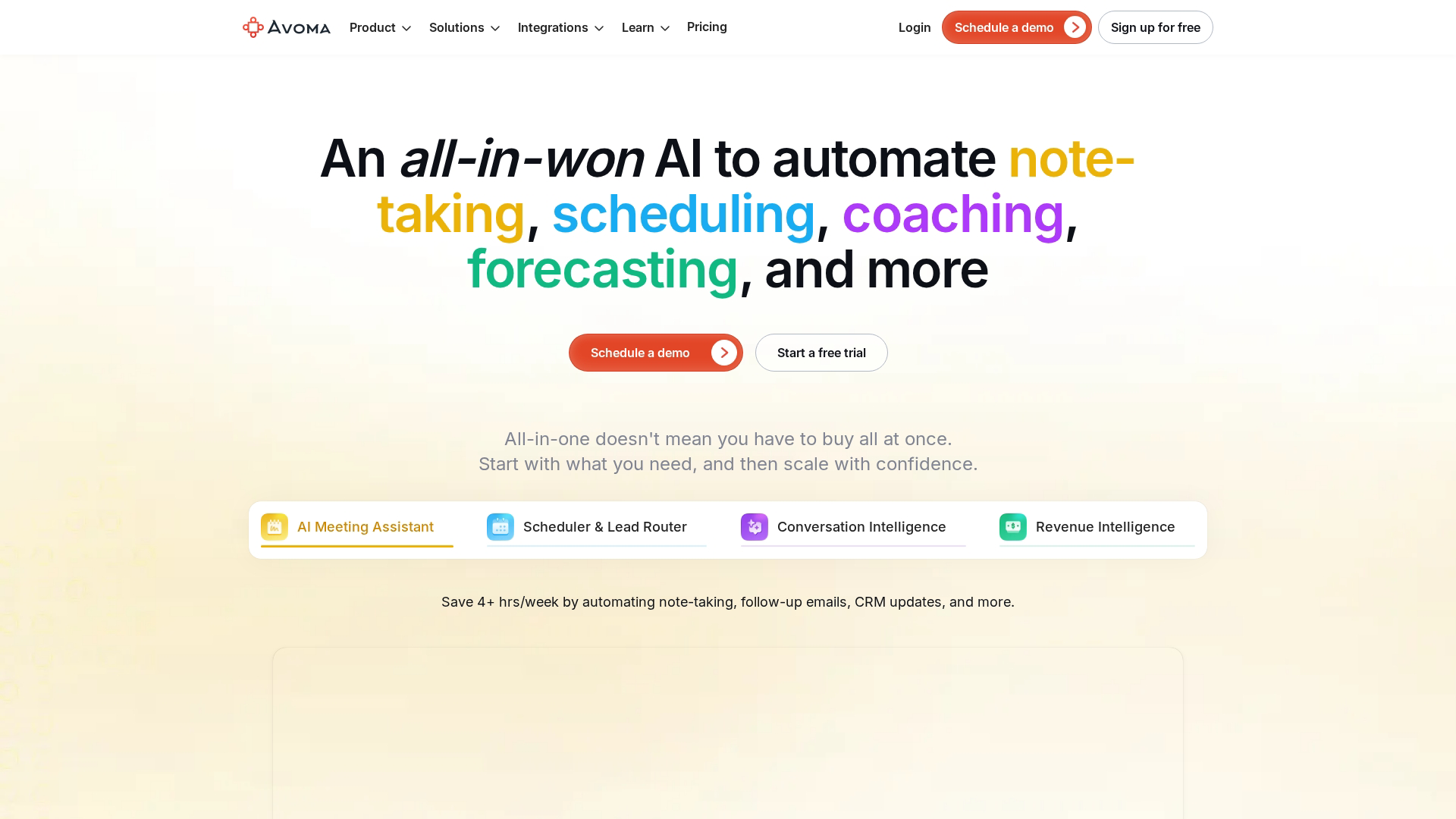
Avoma combines meeting intelligence with revenue analytics. The platform scores conversations, identifies coaching opportunities, and syncs insights directly to your CRM.
Best for: Sales leaders who want coaching insights and deal intelligence from call recordings.
Key strengths
- Conversation scoring: AI evaluates rep performance against best practices
- Topic analysis: Tracks how much time reps spend on discovery versus pitching
- CRM sync: Pushes summaries, action items, and deal signals to Salesforce and HubSpot
Why choose Avoma
Pick Avoma when you manage a sales team and want data-driven coaching. The platform shows which behaviors correlate with closed deals so you can replicate them.
Avoma pricing
Plans start at $19/month per user. Enterprise tiers include advanced analytics and custom integrations.
4. Tl;dv
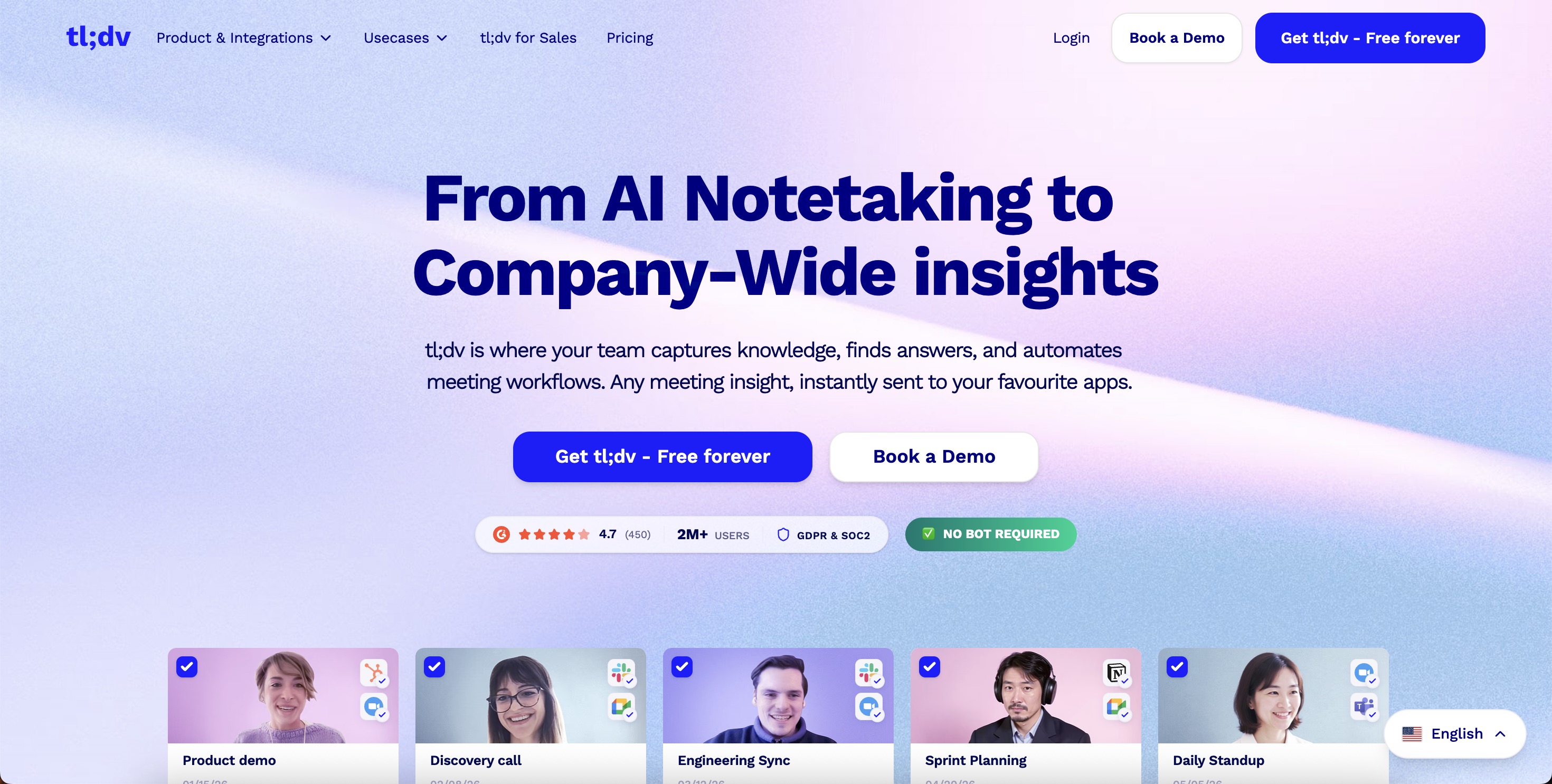
Tl;dv focuses on async sharing through timestamp clips. Record a meeting, highlight the important moments, and share clips instead of asking colleagues to watch full recordings.
Best for: Teams that share meeting highlights async rather than expecting everyone to attend live.
Key strengths
- Timestamp clips: Create shareable snippets from specific moments in any recording
- AI summaries: Get condensed notes immediately after calls end
- Multi-language support: Transcribes and translates across 30+ languages
Why choose tl;dv
Choose tl;dv when your team operates across time zones and relies on async communication. The clip-sharing workflow respects everyone's time while keeping stakeholders informed.
tl;dv pricing
Free tier includes unlimited recordings with basic features. Pro starts at $20/month with advanced AI features.
5. Fathom
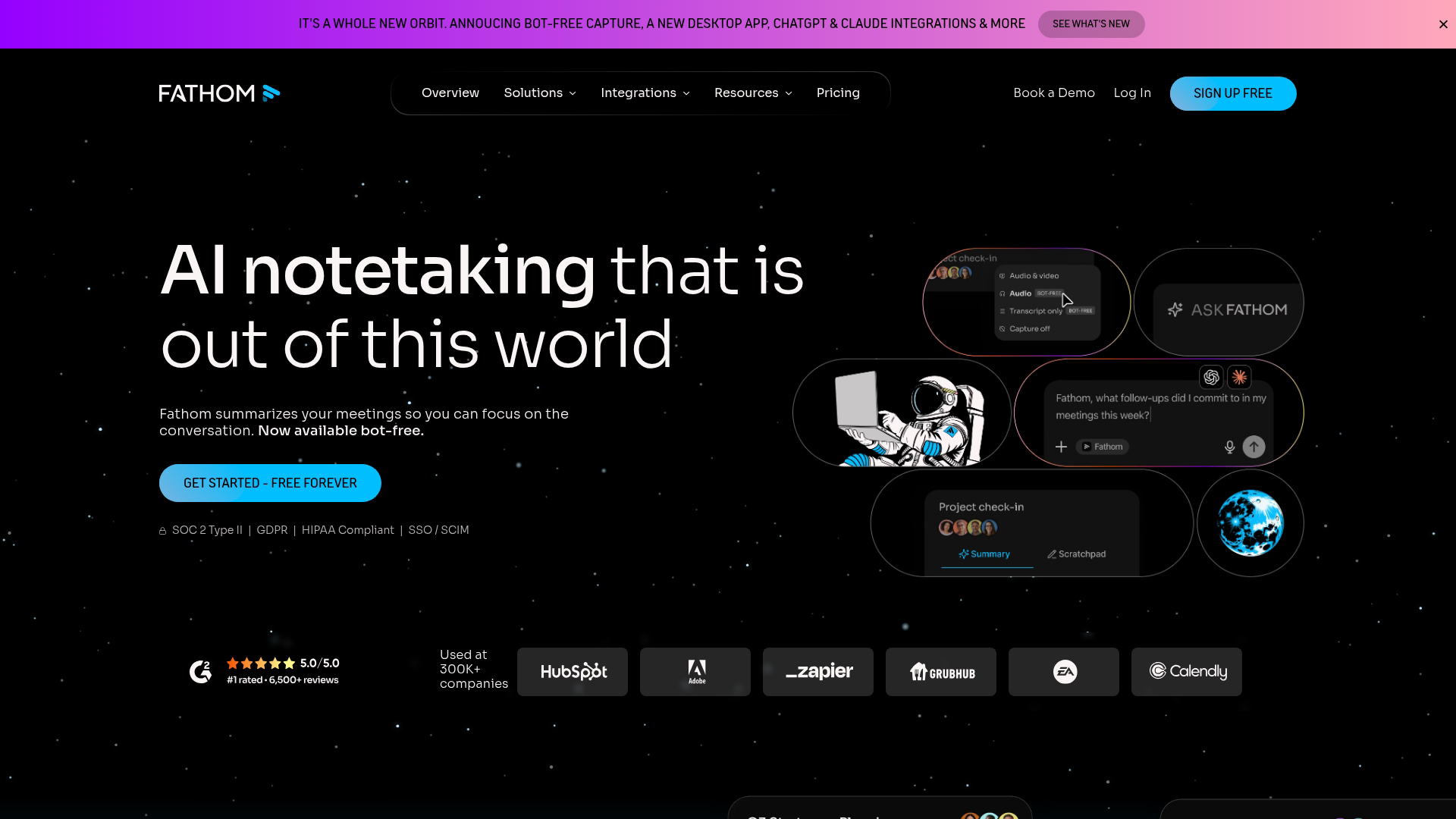
Fathom offers the most generous free tier in the category. Individual users and small teams get full transcription, summaries, and action items without paying.
Best for: Individuals and small teams on a budget who want full functionality without cost.
Key strengths
- Generous free tier: Unlimited recordings and transcriptions for individuals
- Instant summaries: Get meeting notes seconds after calls end
- Platform support: Works with Zoom, Google Meet, and Microsoft Teams
Why choose Fathom
Pick Fathom when budget constraints matter more than advanced features. The free tier delivers core functionality that competitors charge for.
Fathom pricing
Free for individuals. Team plans start at $19/month per user with collaboration features.
6. Krisp
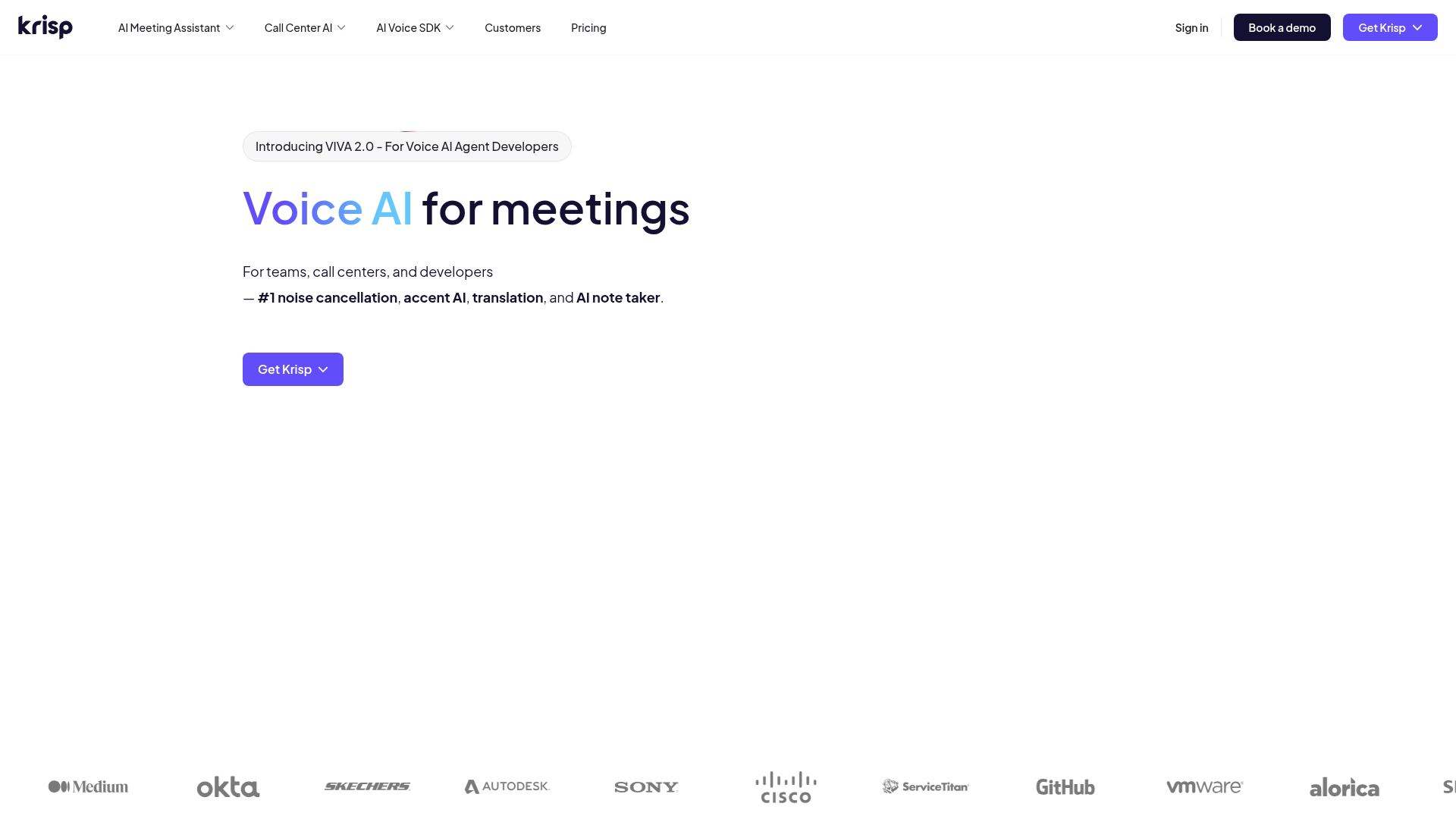
Krisp started as a noise cancellation tool and expanded into AI meeting assistance. The platform removes background noise while also transcribing and summarizing calls.
Best for: Remote workers in noisy environments who want clean audio and transcription in one tool.
Key strengths
- Noise removal: Eliminates background sounds, echoes, and interruptions in real-time
- Local processing option: Some features run on-device for privacy-sensitive use cases
- Transcription: Generates meeting notes alongside audio enhancement
Why choose Krisp
Choose Krisp when audio quality is a problem. If you work from coffee shops, shared spaces, or homes with unpredictable noise, Krisp solves two problems at once.
Krisp pricing
Free tier includes limited noise cancellation. Pro starts at $8/month with unlimited features.
7. Fellow
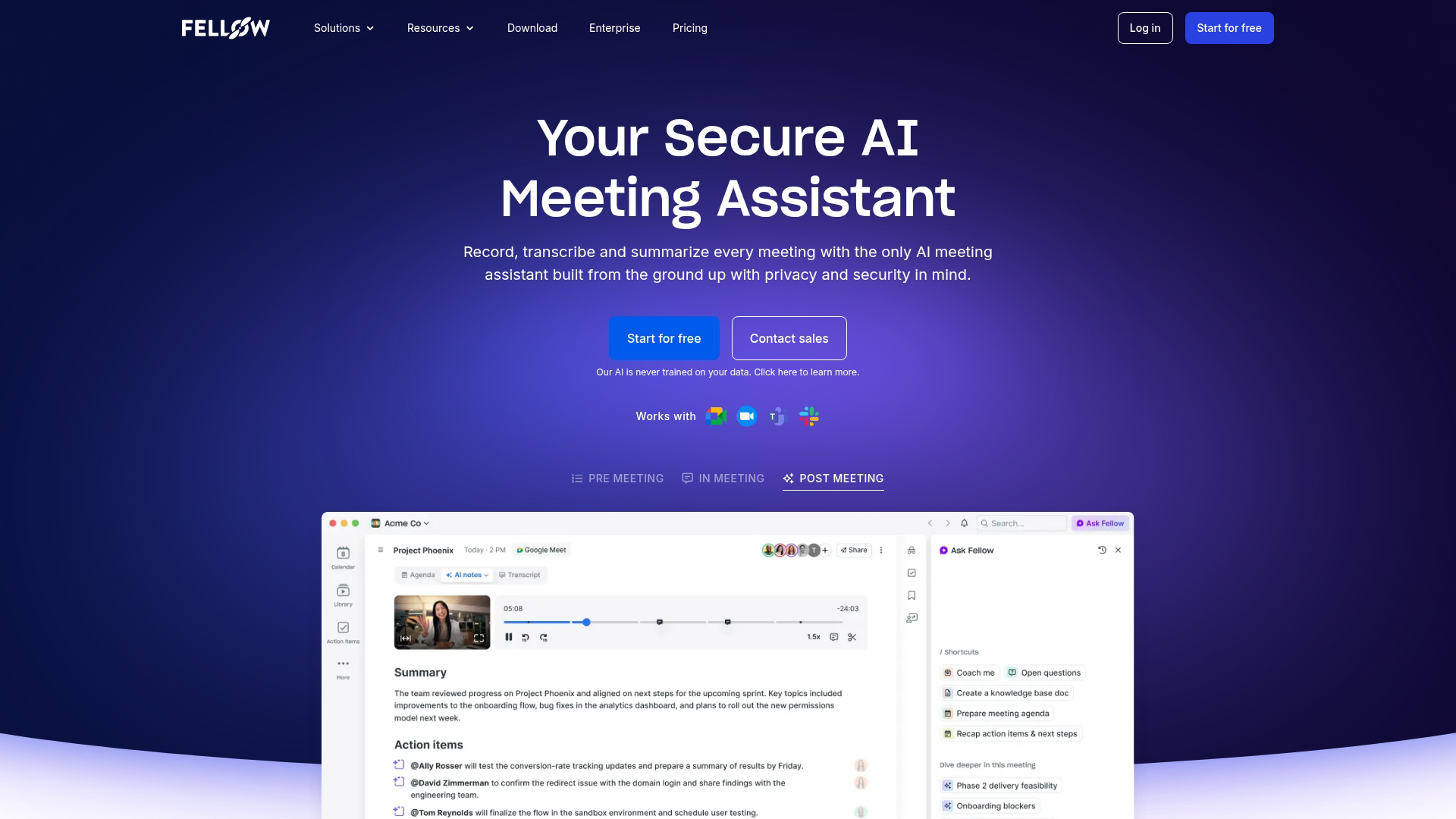
Fellow combines meeting management with AI note-taking. The platform handles agendas, action items, and follow-ups alongside transcription.
Best for: Teams that want structured meeting workflows with AI augmentation.
Key strengths
- Agenda templates: Start meetings with predefined structures that keep discussions focused
- Action item tracking: Assigns tasks during meetings and follows up automatically
- Security certifications: SOC 2 Type II compliant for enterprise requirements
Why choose Fellow
Pick Fellow when you want more than transcription. The platform enforces meeting discipline through agendas and accountability while AI handles documentation.
Fellow pricing
Free tier includes basic features. Pro starts at $7/month per user with advanced AI and integrations.
8. MeetGeek
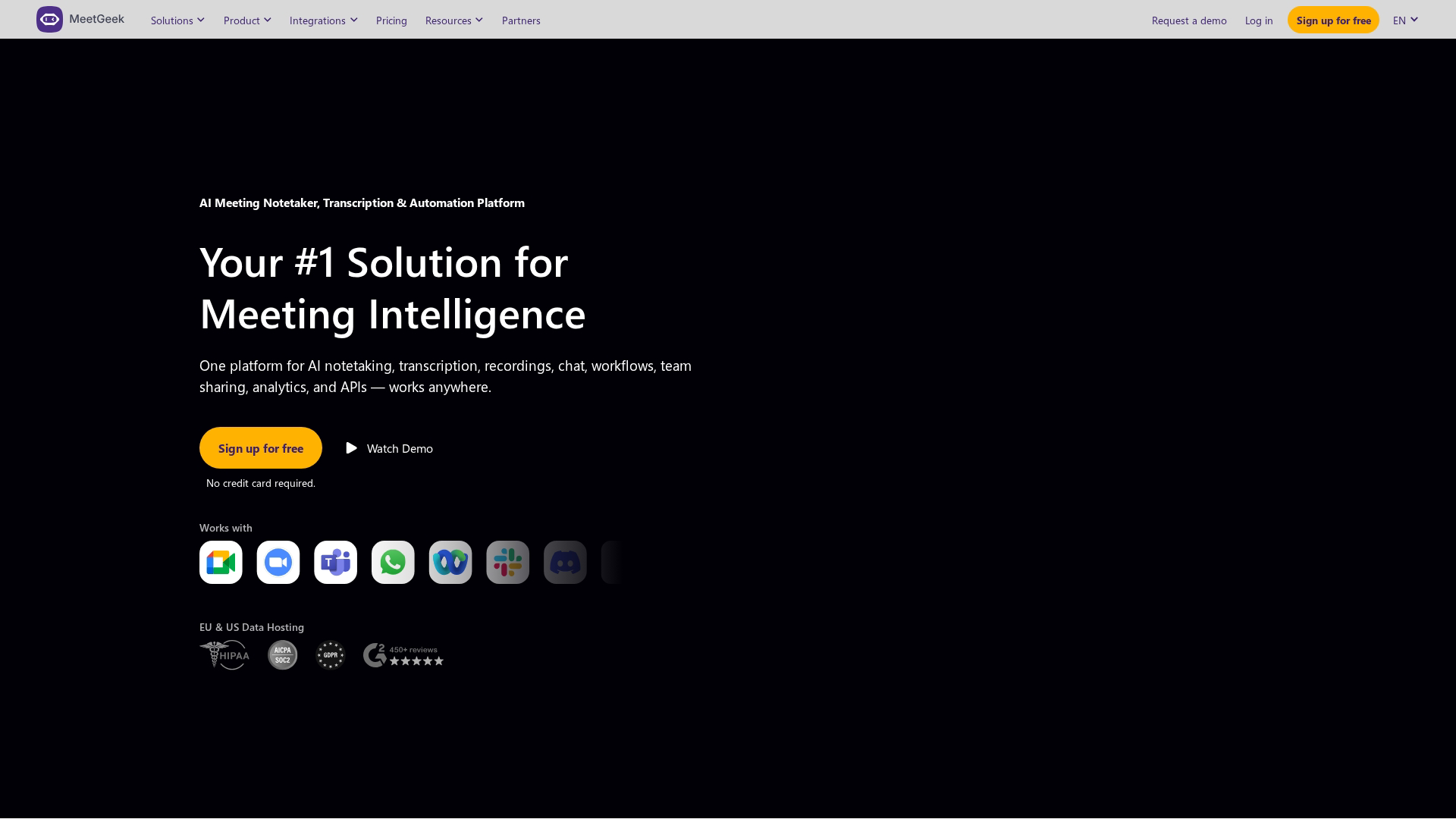
MeetGeek emphasizes post-meeting automation. The platform triggers workflows based on meeting content, pushing summaries to the right channels automatically.
Best for: Teams wanting automated post-meeting workflows without manual distribution.
Key strengths
- Auto-generated highlights: AI identifies key moments and creates shareable clips
- Workflow triggers: Push summaries to Slack, Notion, or CRM based on meeting type
- Team analytics: Track meeting patterns and participation across your organization
Why choose MeetGeek
Choose MeetGeek when you want meeting insights to flow into your existing tools automatically. The workflow automation reduces manual steps between call and action.
MeetGeek pricing
Free tier includes basic transcription. Pro starts at $15/month with automation features.
9. Granola
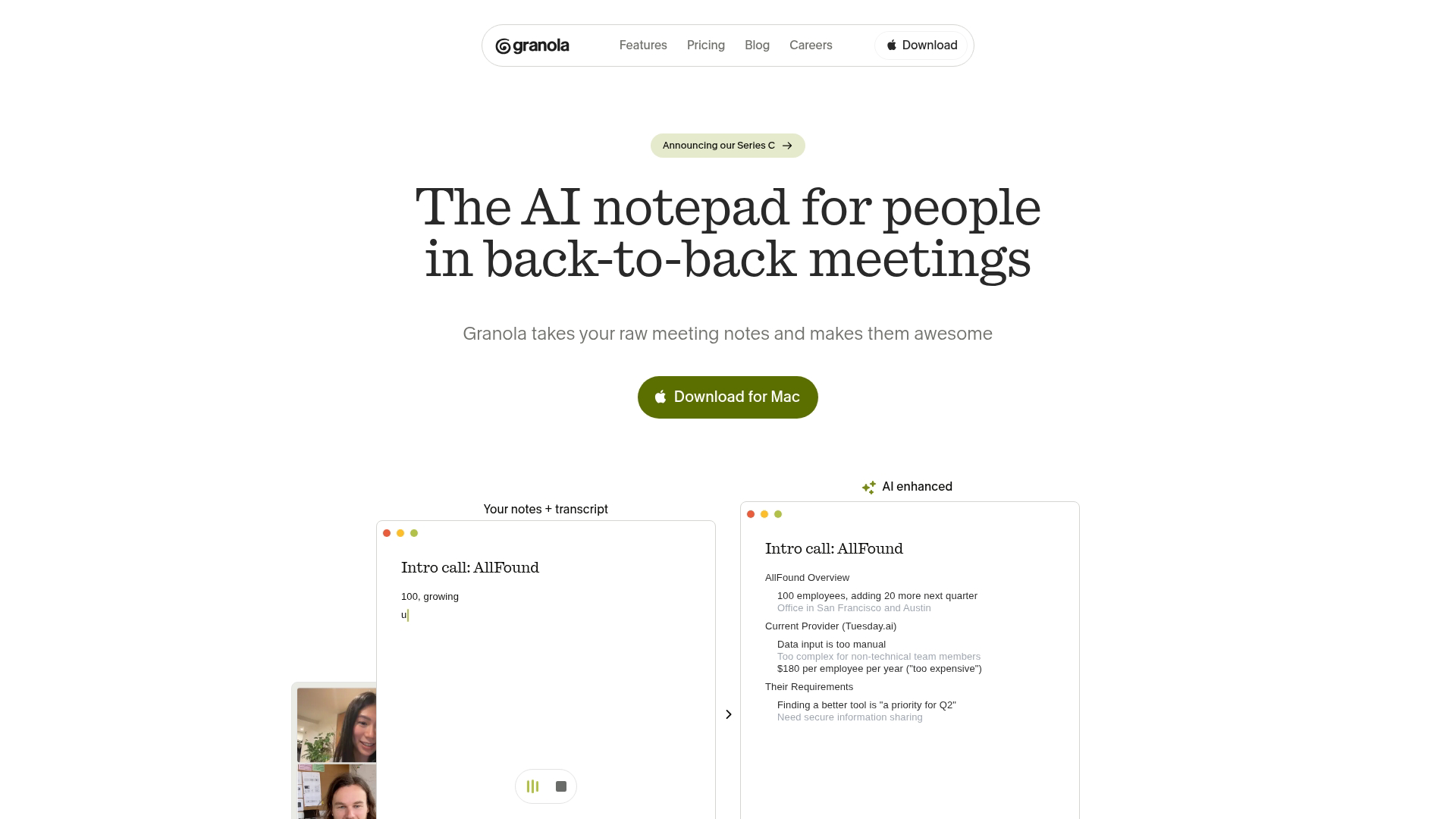
Granola takes a different approach. Instead of sending a visible bot to your meetings, the platform processes audio locally on your device.
Best for: Sensitive meetings where participants dislike visible AI bots joining calls.
Key strengths
- Bot-free operation: No visible AI attendee appears in your meeting participant list
- Local processing: Audio stays on your device rather than streaming to external servers
- Human plus AI notes: Combines your manual notes with AI-generated context
Why choose Granola
Pick Granola when meeting participants react negatively to AI bots. Some clients, executives, or partners find visible bots intrusive. Granola removes that friction.
Granola pricing
Free tier includes basic features. Pro starts at $10/month with advanced capabilities.
10. Equal Time
Equal Time focuses on meeting equity and participation. The platform tracks speaking time, interruptions, and inclusion metrics alongside standard transcription.
Best for: Managers focused on meeting equity and balanced participation.
Key strengths
- Speaking time analytics: See who dominates conversations and who stays silent
- Inclusion metrics: Track interruption patterns and participation balance
- Real-time coaching: Get prompts during meetings to invite quieter participants
Why choose Equal Time
Choose Equal Time when meeting dynamics matter as much as meeting content. The platform helps managers build more inclusive team cultures through data.
Equal Time pricing
Custom pricing based on team size and feature requirements.
What to look for in a meeting assistant app
Transcription accuracy and speaker identification
Accuracy determines whether summaries and action items are useful. Look for tools that handle accents, technical jargon, and overlapping speakers well.
Speaker diarization (labeling who said what) varies widely between tools. Test with your actual team before committing. A transcript that attributes quotes to the wrong person creates more problems than it solves.
Integration with your existing stack
The best AI meeting assistant connects to tools you already use:
- Calendar: Google Calendar, Outlook
- Video platforms: Zoom, Meet, Teams, Webex
- CRM: Salesforce, HubSpot
- Collaboration: Slack, Notion, Asana
Check integration depth, not just availability. Some tools push basic summaries. Others sync action items, deal signals, and custom fields.
Security certifications and data privacy
Meeting recordings contain sensitive information. Verify SOC 2 compliance, GDPR readiness, and data retention policies before recording client calls.
Some tools process audio locally on your device. Others stream everything to cloud servers. Understand where your data goes and who can access it.
Pricing structure and scalability
Common pricing models include per-seat monthly fees, usage-based pricing (per minute or per meeting), and tiered plans with feature gates.
Watch for overage costs at scale. A tool that seems affordable for five users might become expensive when your team grows to fifty.
AI summarization and action item extraction
Basic transcription converts speech to text. Good AI meeting assistants identify decisions, commitments, and next steps automatically.
Test summarization quality with real meetings. Modern platforms like Monday.com integrate AI for text summarization, showing how this technology is becoming standard across productivity tools. Does the AI capture what actually mattered? Or does it produce generic summaries that miss context?
How much time AI meeting assistants actually save
The productivity claim is straightforward: AI handles documentation so you can focus on the conversation.
- During meetings: No manual note-taking means full attention on participants
- After meetings: No rewatching recordings to find what you missed
- Follow-up: Auto-generated action items and summaries reduce admin time
The deeper value shows up in searchability. When you can query six months of meetings for every mention of a competitor or feature request, your meeting archive becomes an asset rather than a liability.
Tip: Start by recording your highest-value meetings first. Sales calls, customer interviews, and strategic planning sessions generate the most useful data for AI analysis. For sales teams specifically, combining AI meeting assistants with live demos creates a powerful engagement strategy.
Choose the right AI meeting manager for your workflow
The right tool depends on your primary use case:
- Bot-free operation: Granola
- Free option: Fathom
- Enterprise search: Fireflies or Otter
- Sales intelligence: Avoma
- Meeting structure: Fellow
For teams also looking to show product value before and after meetings, interactive demos complement AI meeting assistants by giving prospects something tangible to explore async. When a sales call ends, sending a clickable product walkthrough alongside the AI-generated summary keeps momentum going.
Start your journey with Guideflow today!
FAQs about AI meeting assistants
Can ChatGPT create meeting minutes from a recording?
Yes, but you have to manually upload a transcript or use a plugin. Dedicated AI meeting assistants automate the process by joining calls directly and generating notes without manual steps. The workflow difference matters at scale.
What is the difference between an AI meeting assistant and a transcription service?
Transcription services convert speech to text. AI meeting assistants go further by summarizing, extracting action items, identifying speakers, and integrating with your workflow tools. The intelligence layer separates the two categories.
How do AI meeting assistants handle meetings in multiple languages?
Most support multilingual transcription and some offer real-time translation. Coverage varies from 10 to 100+ languages depending on the tool. Check each platform's language list before assuming your team's languages are supported.
Are AI meeting assistants HIPAA compliant for healthcare conversations?
Some tools offer HIPAA-compliant plans with BAAs (Business Associate Agreements), but not all. Verify compliance status directly with the vendor before recording patient-related calls. Compliance is not a default feature.
Do AI meeting bots make other participants uncomfortable?
Some participants dislike visible bots joining calls. Bot-free alternatives like Granola process audio locally without a visible attendee, addressing the concern. Consider your audience when choosing a tool.
What happens to meeting data if you cancel your AI meeting assistant subscription?
Policies vary. Some tools delete data after a grace period. Others allow export before cancellation. Review the vendor's data retention policy before committing to ensure you retain access to historical transcripts if you switch tools later.